
The landscape of video production is undergoing a profound transformation, as cutting-edge AI tools democratize the ability to craft compelling visual stories previously reserved for high-budget studios. Recent breakthroughs, such as OpenAI’s Sora generating hyper-realistic scenes from text, demonstrate the explosive potential of artificial intelligence to revolutionize content creation. No longer confined by complex editing suites or extensive equipment, creators can now harness sophisticated algorithms to automate tasks from script-to-video, elevate visual effects. even synthesize entirely new footage. This rapid evolution in ai video creation empowers everyone, from independent filmmakers to marketing professionals, to produce stunning, broadcast-quality content with unprecedented efficiency and creativity, pushing the boundaries of what’s visually possible.
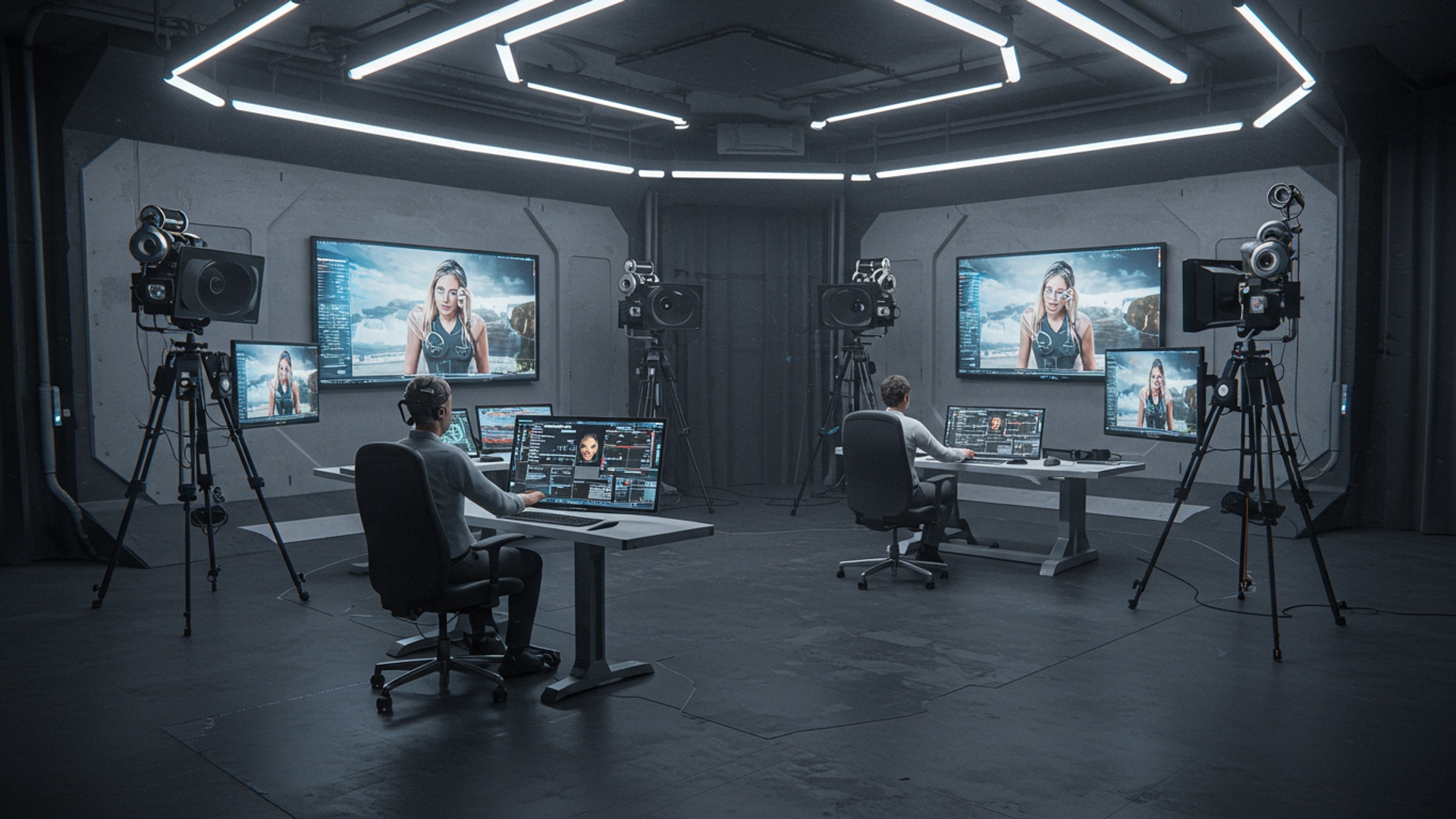
Understanding the Revolution of AI Video Creation
In today’s fast-paced digital world, video content is king. From social media stories to professional presentations, videos capture attention like no other medium. But let’s be honest, creating high-quality videos can be a time-consuming and often expensive endeavor, requiring specialized skills and equipment. This is where artificial intelligence (AI) steps in, completely transforming the landscape of video production. AI video creation isn’t just a futuristic concept; it’s a present-day reality empowering creators of all skill levels to produce stunning visual content with unprecedented ease and efficiency.
At its core, ai video creation refers to the use of artificial intelligence algorithms and machine learning models to automate, assist. even generate various aspects of video production. This can range from writing scripts and generating voiceovers to creating entire video clips from text prompts, editing footage. enhancing visual effects. Think of AI as your super-powered co-pilot in the video studio, handling the heavy lifting and repetitive tasks, allowing you to focus on the creative vision.
For example, imagine needing a short explainer video for a new product. Traditionally, this involves scriptwriting, finding actors or animators, recording voiceovers, filming, editing. adding music. With AI, you might simply input your product description and key selling points. the AI system could generate a script, select relevant stock footage or graphics, create a natural-sounding voiceover. stitch it all together into a polished video – all in a fraction of the time. This accessibility makes professional-grade video production available to small businesses, content creators, educators. even individuals who previously lacked the resources or expertise.
How AI is Redefining Video Production Workflows
The impact of AI on video production is profound, streamlining processes and opening up new creative avenues. It’s not just about making things faster; it’s about making them smarter, more personalized. more accessible. Here are some key ways AI is redefining how we create videos:
- Automation of Repetitive Tasks
- Content Generation
- Personalization and Localization
- Enhanced Visuals and Audio
- Democratization of Video Creation
AI can automate mundane tasks like cutting out silences, adding subtitles, color grading. even identifying key moments in raw footage. This frees up human editors to focus on the creative narrative.
Perhaps the most exciting aspect of ai video creation is its ability to generate content from scratch. This includes creating scripts, generating realistic voiceovers in multiple languages. even producing animated scenes or entire video clips based on text descriptions.
AI can examine audience data to suggest content styles, themes, or even automatically translate and dub videos into different languages, making global reach effortless.
AI tools can upscale video resolution, stabilize shaky footage, remove noise from audio. even generate hyper-realistic visual effects that would traditionally require extensive technical skill and render times.
By simplifying complex tasks, AI lowers the barrier to entry for video production. Anyone with an idea can now bring it to life visually, without needing to master complex software or invest in expensive equipment.
One real-world example is how marketing teams now leverage AI to rapidly A/B test different video ad creatives. Instead of manually producing dozens of variations, AI can generate subtle tweaks to visuals, music, or voiceovers based on a core script, allowing marketers to quickly identify what resonates best with their target audience. This iterative process, supercharged by AI, leads to more effective campaigns and higher engagement rates.
Five Essential Tools for Stunning AI Video Creation
The market for ai video creation tools is booming, with new innovations emerging constantly. To help you navigate this exciting landscape, here are five categories of essential AI tools that can elevate your video projects, along with examples and their core functionalities.
1. Text-to-Video Generators
These tools are perhaps the most revolutionary, allowing you to transform written content into engaging videos with minimal effort. You simply provide a script or prompt. the AI generates a video complete with visuals, voiceovers. music.
- How they work
- Use Cases
- Example Tools
- Pictory AI
- Synthesys X
AI analyzes your text, selects relevant stock footage, images, or generates visuals, creates a voiceover using text-to-speech technology. synthesizes it all into a cohesive video. Some even offer script-writing assistance.
Explainer videos, social media ads, news summaries, educational content, converting blog posts into videos.
Excellent for converting long-form content (like blog posts or articles) into short, shareable videos. It automatically selects relevant visuals and adds captions.
Offers a wide range of realistic AI voices and customizable avatars, making it ideal for creating professional-looking presentations and marketing videos from text.
2. AI Video Editors and Enhancers
These tools use AI to assist in the editing process, from automating cuts to enhancing footage quality, making professional-grade editing accessible to everyone.
- How they work
- Use Cases
- Example Tools
- Descript
- RunwayML
AI can assess audio to automatically remove filler words, detect scene changes, suggest optimal cuts, stabilize shaky footage, upscale resolution. even apply advanced color corrections.
Podcast-to-video conversion, quick social media edits, interview transcriptions, footage stabilization, upscaling old videos.
Revolutionizes audio and video editing by treating your footage like a document. You edit the transcript (deleting words, sentences) and the corresponding video/audio automatically adjusts. It’s incredibly intuitive for content creators, especially for podcasts and interviews.
A powerful suite of AI tools for video editing. It includes features like inpainting (removing objects from video), generating new video styles. even creating video from text or images. RunwayML pushes the boundaries of creative AI video creation.
3. AI Voice Generators and Cloners
High-quality narration is crucial for engaging videos. AI voice tools offer realistic, expressive voices in various languages. some can even clone your own voice.
- How they work
- Use Cases
- Example Tools
- ElevenLabs
- Murf. ai
Advanced text-to-speech (TTS) models convert written text into natural-sounding speech. Voice cloning uses a short audio sample of a person’s voice to create a digital replica that can then “speak” any new text.
Voiceovers for explainer videos, e-learning modules, audiobooks, podcasts, creating multilingual content.
Known for generating incredibly human-like and expressive AI voices. It offers a wide range of voice styles and emotions, making it perfect for nuanced narration.
Provides a vast library of AI voices in different accents and languages, along with options to fine-tune pitch, speed. emphasis. It’s integrated with a simple video editor to sync voiceovers.
4. AI Avatar and Presenter Generators
If you don’t want to appear on camera or hire an actor, AI can create realistic digital presenters (avatars) that deliver your message convincingly.
- How they work
- Use Cases
- Example Tools
- HeyGen
- Synthesia
You provide a script. the AI generates a lifelike avatar that speaks the text with appropriate lip-syncing, facial expressions. gestures. Some tools allow you to customize the avatar’s appearance.
Corporate training videos, marketing pitches, e-learning content, news updates, personalized video messages.
Offers a quick and easy way to create AI-generated presenter videos. You can choose from various avatars or even upload your own photo to create a custom avatar. It’s user-friendly for fast content creation.
A leading platform for AI video creation with realistic avatars. It offers extensive customization, multi-language support. integrations, making it ideal for professional and scalable video content.
5. AI Background/Object Removal & Generation
These tools allow you to manipulate the visual elements within your video, from changing backgrounds to generating new objects, significantly enhancing visual storytelling.
- How they work
- Use Cases
- Example Tools
- RunwayML (again!)
- Adobe Firefly Video (in development/early access)
AI algorithms can automatically identify and isolate subjects from their backgrounds, enabling easy replacement. Generative AI can create new visual elements or entire scenes based on text prompts.
Virtual studio sets, product showcases, green screen alternatives, adding unique visual effects, creating impossible scenes.
As mentioned, RunwayML excels here with its “Green Screen” feature for automatic background removal and its “Gen-1” and “Gen-2” models for generating new video content from text, images, or existing video.
While not fully released, Adobe’s Firefly suite is extending its generative AI capabilities to video, promising features like object removal, style transfer. generating entirely new elements within video clips based on text prompts. Keep an eye on this space!
Comparing AI Video Creation Tools
Choosing the right tool depends on your specific needs. Here’s a simplified comparison to help you comprehend where each type of tool shines:
| Tool Category | Primary Function | Key Benefit | Best For |
|---|---|---|---|
| Text-to-Video Generators | Automated video from script/text | Rapid content production, minimal effort | Explainer videos, social media clips, blog-to-video |
| AI Video Editors/Enhancers | Assisted editing, quality improvement | Streamlined workflow, professional polish | Podcasts, interviews, raw footage clean-up |
| AI Voice Generators/Cloners | Realistic voiceovers, custom voices | High-quality audio, multilingual support | Narrations, e-learning, global content |
| AI Avatar/Presenter Generators | Digital presenters, virtual actors | Professional appearance without filming | Corporate training, marketing, educational content |
| AI Background/Object Tools | Visual manipulation, scene generation | Creative control, unique visual effects | Special effects, virtual sets, product presentations |
Real-World Applications and Use Cases
The power of ai video creation extends across numerous industries and individual pursuits. Here’s a glimpse into how these tools are being applied today:
- Marketing and Advertising
- Education and E-learning
- Content Creation (YouTube, TikTok, Instagram)
- Corporate Communications
- News and Media
Businesses can quickly create engaging video ads, product demonstrations. social media campaigns tailored to specific demographics. Imagine a small e-commerce business using a text-to-video tool to convert product descriptions into dynamic video ads for Instagram in minutes.
Educators can transform written lesson plans into engaging video lectures with AI-generated narrators and visuals. Students can even use AI to create video presentations without needing complex editing skills. A history teacher could use an AI avatar to deliver a lecture on ancient civilizations, making the content more dynamic.
Influencers and content creators can rapidly produce high-quality videos, from daily vlogs to explainer content, using AI for script generation, voiceovers. even editing. A gaming content creator might use AI to quickly add dynamic visual effects or generate a unique intro.
Companies can create internal training videos, onboarding materials. executive announcements with AI avatars, ensuring consistency and quick turnaround times. A multinational corporation could use AI voice cloning to deliver a message in the CEO’s voice, translated into multiple languages for global employees.
AI can generate news summaries in video format, create dynamic infographics, or even present breaking news with AI anchors. This allows for faster dissemination of insights and personalized news feeds.
I recently saw a fascinating case study where a non-profit organization used an AI avatar generator to create personalized thank-you videos for donors. Instead of a generic email, each donor received a video with their name spoken by the AI, greatly increasing engagement and appreciation. This level of personalization, previously only possible with significant resources, is now within reach thanks to AI.
Tips for Maximizing Your AI Video Creation Workflow
While AI makes video creation easier, mastering it still requires a strategic approach. Here are some actionable tips to get the most out of your ai video creation tools:
- Start with a Clear Vision
- Refine Your Prompts
Even with AI, a strong concept and script are paramount. Before you touch any tool, know your message, your target audience. your desired outcome. AI can execute. you still need to direct.
For generative AI tools, the quality of your input (prompts) directly impacts the output. Be specific, descriptive. iterate. Experiment with different keywords and phrases to guide the AI towards your desired visuals or voice.
Example: Good Prompt: "Generate a vibrant animation of a person reading a book under a cherry blossom tree, sunny day, gentle breeze." Bad Prompt: "Make a video about reading."
While AI automates, always review and refine the AI-generated content. Adjust voiceover pacing, tweak visuals, or add your own unique elements. The best AI-powered videos often blend AI efficiency with human creativity and discernment.
Don’t settle for the first output. Use AI to quickly generate multiple versions of your video, voiceover, or script. A/B test different intros, calls to action, or visual styles to see what performs best.
Each AI tool has its specialties. Use a text-to-video generator for quick drafts, an AI editor for polishing. an AI voice tool for professional narration. Combining tools often yields the best results.
The AI landscape is evolving rapidly. Keep an eye on new features and emerging tools. Subscribing to tech newsletters or following AI development blogs can keep you ahead of the curve.
By integrating these practices, you won’t just be using AI; you’ll be harnessing its full potential to create truly stunning and impactful video content efficiently.
Conclusion
Harnessing the power of these five essential AI tools truly democratizes video creation, transforming raw concepts into captivating narratives with unprecedented ease. We’re witnessing a revolution where advanced AI can now generate hyper-realistic avatars and sophisticated animation sequences from simple text prompts, making professional-grade video accessible to everyone. My personal experience shows that the biggest hurdle isn’t the technology itself. simply getting started; the learning curve is surprisingly gentle thanks to increasingly intuitive interfaces. Thus, your next step is clear: pick one tool, perhaps an AI video editor that automates cuts and transitions. begin experimenting. Don’t aim for viral perfection on your first attempt. Instead, focus on understanding how AI can augment your creative vision, streamlining tedious tasks and allowing you to concentrate on compelling storytelling. This iterative process of creation and refinement, where human intuition guides AI efficiency, is where the true magic truly happens. Ultimately, embrace this exciting era where artificial intelligence becomes your co-creator, not just a substitute. The future of video belongs to those who blend human creativity with AI efficiency, pushing boundaries and reaching audiences in innovative ways. Go forth, unleash your inner storyteller. produce stunning videos that truly resonate.
More Articles
5 Essential Generative AI Marketing Strategies for Explosive Results
Unlock the Future How AI Content Transforms Business Growth
Master Generative AI Marketing to Create Irresistible Campaigns
Unlock AI’s Full Potential Simple Prompt Engineering Tricks
How to Craft an AI Content Strategy That Drives Real Results 
FAQs
What exactly are these ‘five essential AI tools’ for video?
While the specific tools can vary, typically they cover aspects like AI-powered script generation, text-to-video conversion, intelligent video editing (like auto-cutting or scene detection), voiceover synthesis. advanced visual effects or upscaling. They’re designed to streamline the entire video production process.
How does AI actually help make videos look stunning?
AI assists by automating tedious tasks, suggesting creative enhancements. enabling features that might otherwise require professional skills. This includes things like generating realistic visuals from text, improving video quality, adding dynamic transitions, creating natural-sounding voiceovers. even helping with color correction and grading to achieve that ‘stunning’ look.
Do I need to be a tech wizard to use these AI video tools?
Not at all! Most of these modern AI video creation tools are built with user-friendliness in mind. They often feature intuitive interfaces, drag-and-drop functionalities. guided workflows, making it accessible even for beginners or those without extensive video editing experience. The AI does much of the heavy lifting for you.
What kinds of videos can I create with these tools?
You can create a wide variety of videos! This includes promotional content, social media clips, explainer videos, educational tutorials, short marketing ads, product demos, personal vlogs. even basic animated sequences. If you have an idea, these tools can help bring it to life visually.
Will using AI make my videos lose their unique touch?
Not necessarily. AI is a powerful assistant, not a replacement for your creativity. It handles the repetitive or complex technical tasks, freeing you up to focus on the narrative, messaging. overall artistic direction. Your unique ideas and input are still crucial for guiding the AI and ensuring the final video reflects your personal or brand style.
Can I use these tools if I already have some existing video footage?
Absolutely! Many AI video tools integrate seamlessly with existing footage. You can upload your clips and use AI to enhance them – perhaps by improving resolution, adding effects, generating automated subtitles, creating voiceovers for specific segments, or even helping with intelligent editing to create a polished final cut from your raw material.
Is getting started with AI video creation super expensive?
Not necessarily. While some premium tools have subscription costs, many AI video creation platforms offer free trials or even robust free tiers with limited features. This allows you to experiment and get a feel for the tools without a significant upfront investment. As your needs grow, you can then explore paid options.