
Transforming imaginative concepts into breathtaking visual realities now occurs effortlessly, thanks to groundbreaking advancements in AI image creation. Today’s powerful models, including the latest iterations of Midjourney V6 and DALL-E 3, empower creators to generate stunning photorealistic landscapes, intricate abstract art, or bespoke character designs directly from simple text prompts. This technological leap democratizes visual artistry, shifting the focus from manual rendering to the precise communication of ideas with intelligent algorithms. Mastering the nuances of prompt engineering unlocks an unparalleled creative flow, effortlessly turning your wildest visions into vivid, high-fidelity images and reflecting the current trend of AI-driven visual storytelling across diverse platforms.
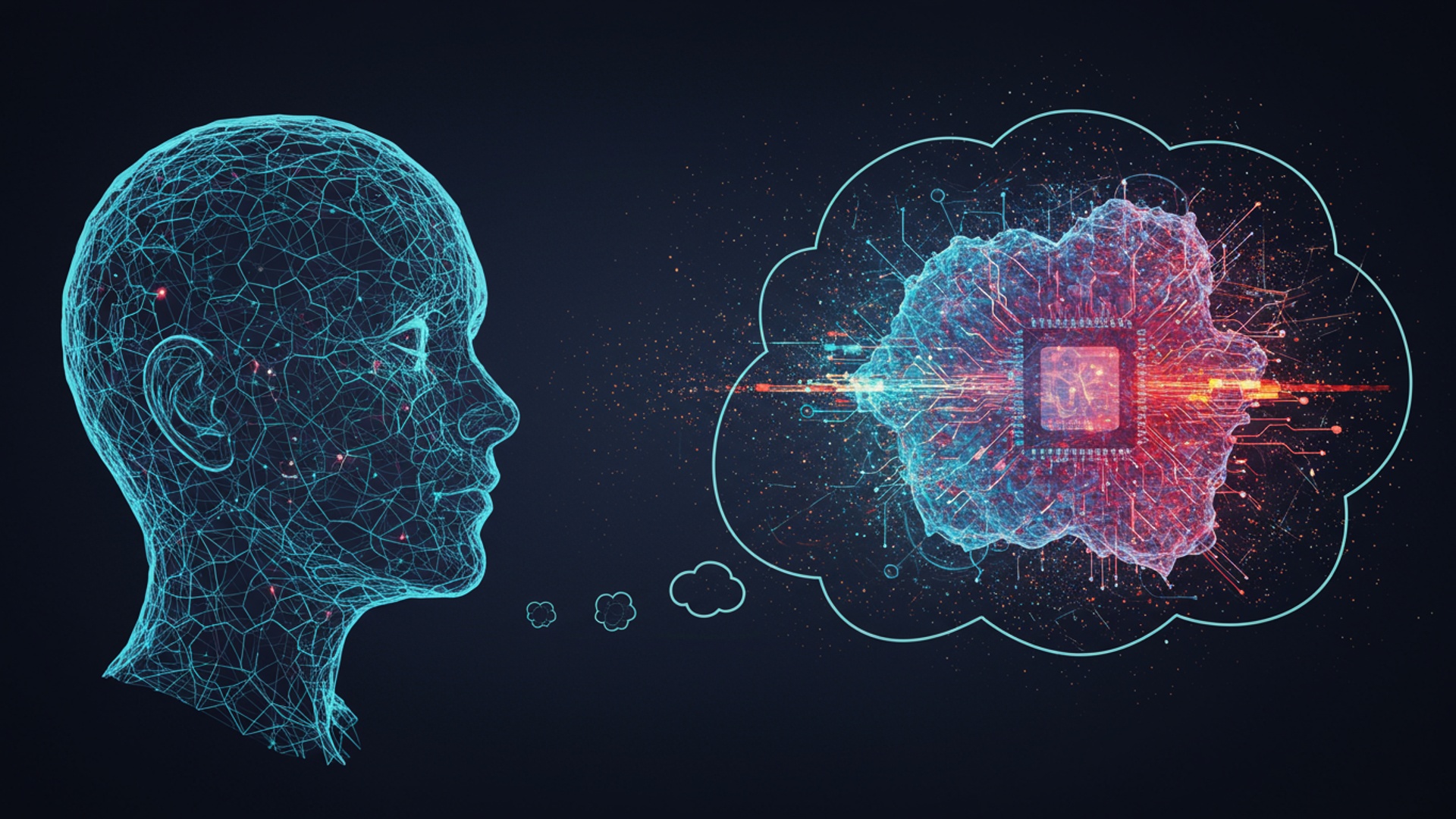
Understanding the Core of AI Image Generation
Imagine being able to conjure any visual you can dream up, simply by describing it in words. This isn’t magic; it’s the incredible power of artificial intelligence (AI) image generation. At its heart, AI image generation refers to the process where computer programs, powered by advanced algorithms, create novel images based on textual descriptions, existing images, or other data inputs. It’s a fascinating field of Generative AI, a branch of artificial intelligence that can produce various types of content, including text, audio, and, of course, images.
The foundational technology behind many of today’s stunning visuals are complex neural networks, often referred to as Latent Diffusion Models. Think of these models as highly sophisticated digital artists who have studied millions upon millions of images and learned the intricate relationships between concepts, styles. visual elements. When you provide a text prompt, the AI doesn’t just “find” an image; it generates a completely new one, pixel by pixel, that fits your description.
Key terms to know in this exciting space include:
- Generative AI
- Text-to-Image
- Prompt Engineering
- Diffusion Models
AI systems capable of generating new content, rather than just analyzing or classifying existing data.
The specific subfield of generative AI focused on creating images from text descriptions. This is what most people refer to when talking about AI image creation.
The art and science of crafting effective text inputs (prompts) to guide AI models to produce desired outputs. It’s how you communicate your vision to the AI.
A class of generative models that work by iteratively denoising a random noise image until it resembles data from the training set, guided by a text prompt. They start with static and gradually “diffuse” it into a coherent image.
The Magic Behind the Pixels: How AI Models Learn
So, how exactly does an AI “learn” to paint a picture from words? It’s a journey rooted in vast amounts of data and sophisticated algorithms. At a simplified level, these AI models, like Stable Diffusion or DALL-E, are trained on enormous datasets containing billions of images paired with their corresponding text descriptions. A prominent example is the LAION-5B dataset, which contains 5. 85 billion image-text pairs.
During this training phase, the neural network processes these pairs, learning to identify patterns, relationships. features that connect words to visual elements. It learns what a “cat” looks like, how “fluffy” manifests visually, or what “Impressionistic style” entails. It’s not memorizing specific images; rather, it’s building a statistical understanding of the visual world.
For Diffusion Models, the process is particularly ingenious. Imagine taking a beautiful photograph and gradually adding noise to it until it’s just static. This is the “forward diffusion” process. The AI learns to reverse this process, predicting how to remove the noise to reconstruct the original image. When you provide a text prompt for ai image creation, the model starts with pure noise and, guided by the prompt’s semantic understanding, iteratively removes the noise, step by step, gradually forming a coherent image that matches your description. Each step refines the image, moving it closer to your vision until a stunning visual emerges from the digital static.
Prompt Engineering: Your Key to Creative Control
Generating truly stunning AI images isn’t just about picking a tool; it’s about mastering the art of “prompt engineering.” This is where your words become the brushstrokes for the AI’s canvas. A well-crafted prompt is the difference between a generic image and a masterpiece that perfectly captures your vision.
What is Prompt Engineering? It’s the practice of designing effective text inputs (prompts) that guide a generative AI model to produce specific, high-quality. desired outputs. Think of yourself as a director, giving clear and precise instructions to your highly talented. literal, AI artist.
Here’s how to structure your prompts for effective ai image creation:
- Subject
Start with the main focus. Be specific.
- Bad: “Person”
- Good: “A young woman with fiery red hair”
Add adjectives, colors, actions. expressions.
- Bad: “Cat sitting”
- Good: “A fluffy ginger cat, curled up peacefully on a sunlit windowsill, eyes half-closed”
Specify the artistic style, medium, or aesthetic.
- Bad: “Landscape”
- Good: “A majestic mountain landscape, painted in the style of Bob Ross, vibrant oil on canvas”
Describe the setting, lighting. atmosphere.
- Bad: “House at night”
- Good: “A cozy, snow-covered cottage nestled deep in an enchanted forest, under a clear, star-filled night sky, warm light spilling from the windows, volumetric lighting”
For photorealistic images, think like a photographer.
- Example: “Wide-angle shot, cinematic, bokeh, golden hour, 8k, ultra detailed”
Tell the AI what you don’t want. This helps eliminate common issues like distorted limbs, blurry images, or unwanted elements.
- Example: “ugly, deformed, blurry, low quality, bad anatomy, grayscale, watermark, text, out of frame”
Actionable Tip: Iterate and Experiment! Start simple, then add details incrementally. If the output isn’t quite right, adjust your prompt. Change a word, add a descriptor, or tweak the style. For example, if you want a more prominent element, some tools allow you to use prompt weights (e. g. ,
(red car:1. 2)
to emphasize “red car” more than other elements). Prompt engineering is a skill that improves with practice, unlocking endless creative possibilities.
Choosing Your AI Canvas: Popular AI Image Creation Tools
The landscape of ai image creation tools is constantly evolving, with new options emerging regularly. Each tool has its own strengths, weaknesses. unique features, catering to different user needs and skill levels. Here’s a comparison of some of the most popular platforms:
| Feature | Midjourney | DALL-E 3 (via ChatGPT Plus/Copilot) | Stable Diffusion (e. g. , Automatic1111, ComfyUI) | Adobe Firefly |
|---|---|---|---|---|
| Accessibility / Ease of Use | Medium. Primarily Discord-based, requires learning specific commands. | Very High. Integrated into user-friendly chat interfaces (ChatGPT, Copilot). Conversational prompting. | Low to Medium (depending on setup). Open-source, requires local installation or more complex web interfaces. | High. Web-based, intuitive interface, familiar to Adobe users. |
| Output Quality & Style | Known for highly aesthetic, often artistic. cinematic outputs. Excellent for abstract and evocative images. | Strong understanding of complex prompts, excellent for photorealism, accurate text rendering within images. | Highly versatile. Quality depends heavily on models (checkpoints/LoRAs) used and prompt engineering skill. Can achieve any style. | High quality, particularly strong for commercial use, graphic design. inpainting/outpainting. Focus on ethical data. |
| Customization & Control | Good. Extensive parameters (aspect ratios, stylize, chaos, seeds). within a guided framework. | Good for understanding complex instructions. less granular control over technical aspects like seeds, steps. | Extremely high. Unparalleled control over every aspect (seeds, steps, samplers, ControlNet, LoRAs, custom models). Steeper learning curve. | Good. Excellent for inpainting, outpainting, text effects. generating variations from existing images. |
| Cost Model | Subscription-based with tiered plans. Limited free trial. | Included with ChatGPT Plus subscription or free with Microsoft Copilot. | Free (open-source for local installation). Cloud services may charge. | Freemium model with credits. Included with some Adobe Creative Cloud subscriptions. |
| Ethical Stance / Data Sourcing | Data sources not fully transparent, often leads to debate. | Trained on publicly available data and licensed content. Filters for harmful content. | Open-source, trained on LAION-5B (publicly available). Users are responsible for ethical use. | Trained on Adobe Stock content, publicly licensed content. public domain content. Emphasizes “safe for commercial use.” |
| Best For | Artists, designers seeking unique aesthetics, concept artists, personal projects. | General users, content creators, marketers, rapid prototyping, accurate text in images. | Advanced users, researchers, developers, anyone wanting maximum control, local privacy. custom models. | Graphic designers, marketers, photographers, businesses, anyone integrated into the Adobe ecosystem. |
My personal journey with ai image creation started with Midjourney’s Discord interface, which was a bit intimidating at first. quickly became intuitive for generating stunning abstract concepts. But, when I needed specific character consistency for a short comic idea, I found Stable Diffusion with ControlNet to be indispensable, despite its steeper learning curve. For quick, high-quality social media posts, DALL-E 3’s ability to interpret nuanced prompts and generate text within images has been a game-changer for me.
Beyond the Basics: Advanced Techniques and Customization
Once you’ve mastered the art of basic prompt engineering, the world of ai image creation opens up to a host of advanced techniques that offer incredible control and customization. These methods allow you to go far beyond simple text-to-image generation, enabling complex edits, style transfers. consistent character creation.
- Inpainting
- Use Case: Removing an unwanted power line from a landscape, changing a character’s shirt color, or adding glasses to a portrait.
- Outpainting
- Use Case: Expanding a portrait into a full-body shot, extending a landscape to reveal more of the environment, or creating panoramic views from a single image.
- ControlNet
- Use Case: Ensuring a character in your AI image has a specific pose from a reference photo, recreating a scene with the same spatial layout, or applying a texture from one image onto the structure of another.
-
Conceptual Code Example (for Stable Diffusion UIs like Automatic1111):
Prompt: "A knight in shining armor, standing heroically, intricate details, cinematic lighting" Negative Prompt: "deformed, blurry, bad hands" ControlNet: Enable ControlNet Model: "canny" (or "openpose", "depth") ControlNet Input Image: [Upload an image of a sketch of a knight, or a reference photo with the desired pose] ControlNet Weight: 0. 8 - LoRAs (Low-Rank Adaptation)
- Use Case: Generating consistent images of a specific character across multiple scenes, applying a unique artistic style (e. g. , “anime style LoRA,” “watercolor LoRA”), or creating very specific objects not well-represented in the base model.
- Anecdote: I once used a specific “vintage photography” LoRA combined with ControlNet to generate a series of historical-looking portraits for a project, ensuring both a consistent aesthetic and precise poses that would have been impossible with just text prompts.
Imagine you’ve generated a perfect image. one small detail is off – maybe an object needs to be removed or replaced. Inpainting allows you to select a specific area of an image and instruct the AI to regenerate only that portion based on a new prompt, seamlessly blending it with the surrounding image.
The opposite of inpainting, outpainting allows you to expand the canvas beyond the original image boundaries. The AI intelligently generates new content that logically extends the existing scene, maintaining continuity in style, lighting. elements.
This is a game-changer, primarily for Stable Diffusion users. ControlNet allows you to impose additional conditions on the diffusion model, providing unprecedented control over the generated image’s composition, pose. structure. You can feed it an image (e. g. , a stick figure drawing, a depth map, a pose skeleton) and the AI will generate an image that adheres to that input while still following your text prompt.
LoRAs are small, specialized models that can be “plugged into” a larger base model (like Stable Diffusion) to significantly alter its style or generate specific characters/objects with high fidelity. They are much smaller than full models, making them efficient to train and share.
These advanced tools transform ai image creation from a random exploration into a precise and powerful creative instrument, giving artists and creators an unparalleled level of control over their digital outputs.
Ethical Considerations and Responsible AI Image Creation
As powerful and exciting as ai image creation is, it also brings forth a range of crucial ethical considerations that users and developers must address responsibly. The rapid advancement of this technology necessitates a thoughtful approach to its deployment and use.
- Bias in Training Data
- Copyright and Intellectual Property
- Artist Compensation and Displacement
- Deepfakes and Misinformation
- Transparency and Accountability
AI models learn from the data they are fed. If the training datasets contain biases (e. g. , underrepresentation of certain demographics, stereotypes), these biases will be reflected and even amplified in the generated images. For instance, early AI models often struggled to generate diverse representations of professions or beauty standards. Organizations like Google and Stability AI are actively working on curating more diverse datasets and implementing fairness metrics.
A major debate revolves around whether AI-generated images, especially those derived from copyrighted source material, infringe upon existing intellectual property rights. Who owns the copyright of an AI-generated image? Is it the user who wrote the prompt, the developer of the AI model, or the original artists whose work contributed to the training data? This is an evolving legal area, with various lawsuits and legislative discussions underway globally. Some platforms, like Adobe Firefly, explicitly train their models on licensed or public domain content to mitigate these concerns.
Many human artists express concerns that AI image creation tools could devalue their work, facilitate plagiarism, or even lead to job displacement. While AI can be a powerful tool for artists, the ethical implications of using vast amounts of artists’ work without explicit consent or compensation for training purposes remain a contentious issue.
The ability of AI to generate highly realistic images and manipulate existing ones raises serious concerns about misinformation and the creation of “deepfakes” – convincing but fake images or videos. This technology can be used to create deceptive content that spreads false narratives, damages reputations, or even influences elections. It’s crucial for users to be aware of the potential for misuse and to consider the ethical implications of the content they create.
It’s crucial for AI systems to be transparent about how they work and for developers to be accountable for the outputs their models produce. Watermarking AI-generated content or providing clear provenance data can help distinguish AI-created media from authentic content.
As responsible creators, we must be mindful of these challenges. It’s not just about what we can create. what we should create. Prioritizing ethical use, respecting intellectual property. being transparent about AI’s role in content creation are paramount for the healthy evolution of this technology.
Real-World Impact: Where AI Images Shine
The practical applications of ai image creation are incredibly diverse, touching almost every industry and empowering individuals in countless ways. Far from being just a novelty, AI-generated images are becoming indispensable tools for creativity, efficiency. problem-solving.
- Graphic Design & Marketing
- Case Study: A local bakery, “Sweet Delights,” struggled to create engaging social media content. Using DALL-E 3, they now generate mouth-watering images of fantastical pastries and whimsical bakery scenes daily, significantly boosting their online engagement without hiring a dedicated graphic designer.
- Concept Art & Game Development
- Anecdote: A friend of mine, an indie game developer, used Stable Diffusion with ControlNet to generate dozens of character concepts and environment sketches for his upcoming fantasy RPG. He could quickly test different armor designs or architectural styles, saving weeks of manual drawing time.
- Fashion & Product Design
- Architecture & Interior Design
- Education & Scientific Visualization
- Personal Expression & Art
Small businesses and large corporations alike are leveraging AI to quickly generate unique visuals for social media posts, advertisements, website banners. marketing campaigns. Instead of spending hours searching for stock photos or commissioning custom artwork, a prompt can generate dozens of variations in minutes.
Artists and designers in the gaming and film industries use AI to rapidly prototype ideas, explore different visual styles. generate concept art. This dramatically speeds up the pre-production phase, allowing creators to iterate on ideas much faster.
AI can visualize new clothing lines, fabric patterns, or product prototypes before they even exist physically. This helps designers rapidly iterate on ideas, present concepts to clients. even identify emerging trends.
Architects can use AI to visualize building exteriors, interior layouts. landscape designs based on sketches or textual descriptions, allowing clients to see photorealistic renderings of proposed projects.
Educators can create custom illustrations to explain complex concepts, visualize historical events, or generate diagrams for scientific papers, making learning more engaging and accessible.
For many, ai image creation is a powerful new medium for artistic expression. Individuals are creating unique digital art, personalized avatars. imaginative scenes that were previously limited by their drawing skills or access to tools. It democratizes art, allowing anyone with an idea to bring it to life visually.
These examples barely scratch the surface. From illustrating children’s books to designing unique NFTs, AI images are transforming how we create, communicate. imagine, solidifying their place as an essential tool in the modern creative toolkit.
Conclusion
You’ve now unlocked the incredible potential of AI to transform your creative visions into stunning visuals effortlessly. Remember, crafting magnificent AI images hinges on mastering the art of prompt engineering, not just listing objects. My personal tip? Approach each prompt like directing a film; consider lighting, mood, camera angle. artistic style to truly elevate your output. This iterative dance, refining “a futuristic cityscape, cinematic, golden hour, neon glow” into perfection, is where the magic happens. Current trends show AI imagery dominating digital marketing and concept art, proving that tools like Midjourney aren’t just novelties but essential creative partners. Don’t be afraid to experiment wildly, pushing the boundaries of what you think is possible. Your journey from a simple idea to a breathtaking AI masterpiece is just beginning, a testament to your evolving creative prowess in this exciting new landscape. Keep exploring, keep prompting. witness your imagination materialize. For deeper dives into visual creation, explore Your Essential Guide to AI Image Creation.
More Articles
Spark Brilliant Ideas How AI Supercharges Your Creativity
7 Secrets to Writing Powerful AI Prompts for Better Results
Master Gemini Image Prompts for Stunning Visuals
Create Stunning Videos with AI No Editing Skills Needed
5 Ways AI Content Will Change Your Marketing Game Forever 
FAQs
What exactly is ‘From Idea to Reality’ all about?
It’s your straightforward guide to creating amazing AI-generated images without any fuss. We break down the process so anyone can turn their concepts into visual masterpieces, even if you’ve never touched an AI tool before.
Do I need to be super tech-savvy to generate these images?
Absolutely not! The whole point is to make it effortless. We’ve designed this approach for beginners and seasoned creators alike, focusing on simple techniques and user-friendly tools that don’t require coding or deep technical knowledge.
What kind of stunning AI images can I expect to create?
You’re only limited by your imagination! From realistic portraits and fantastical landscapes to abstract art and product mockups, AI can generate a vast range of styles and subjects. You’ll learn how to prompt the AI effectively to get the results you envision.
How quickly can I go from having an idea to seeing my AI image?
Very quickly! With the right tools and prompts, you can often generate initial images in mere seconds or minutes. The ‘effortlessly’ part means streamlining the process so you spend less time struggling and more time creating.
Okay, I’m in! What do I actually need to get started with this?
All you really need is an internet connection, a device (computer, tablet, or even a smartphone). your creative ideas! We’ll guide you on which AI tools are best for beginners and how to access them.
What if my first few attempts don’t look exactly how I imagined?
That’s perfectly normal! Generating AI images is an iterative process. We’ll share tips and tricks on refining your prompts, understanding AI feedback. making small adjustments to get closer to your desired outcome. It’s a fun learning curve!
I sometimes struggle with coming up with ideas. Can this help me?
Definitely! The process of interacting with AI can actually spark new creative directions. We’ll also cover techniques for brainstorming prompts and drawing inspiration from various sources, helping you turn even vague concepts into concrete visual ideas.