
The landscape of digital art has been radically transformed, enabling anyone to manifest intricate visual concepts with unprecedented ease. With advancements in generative AI, particularly in sophisticated platforms like Gemini, creating stunning images is no longer the exclusive domain of professional artists. The power of gemini image creation now allows users to effortlessly generate photorealistic portraits, intricate architectural scenes, or fantastical landscapes directly from text prompts, turning imaginative ideas into tangible visuals in moments. This democratizes high-fidelity visual content, inviting everyone to explore the boundless potential of AI-driven creativity, pushing the boundaries of what was once considered complex digital artistry into an accessible, intuitive process for captivating results.
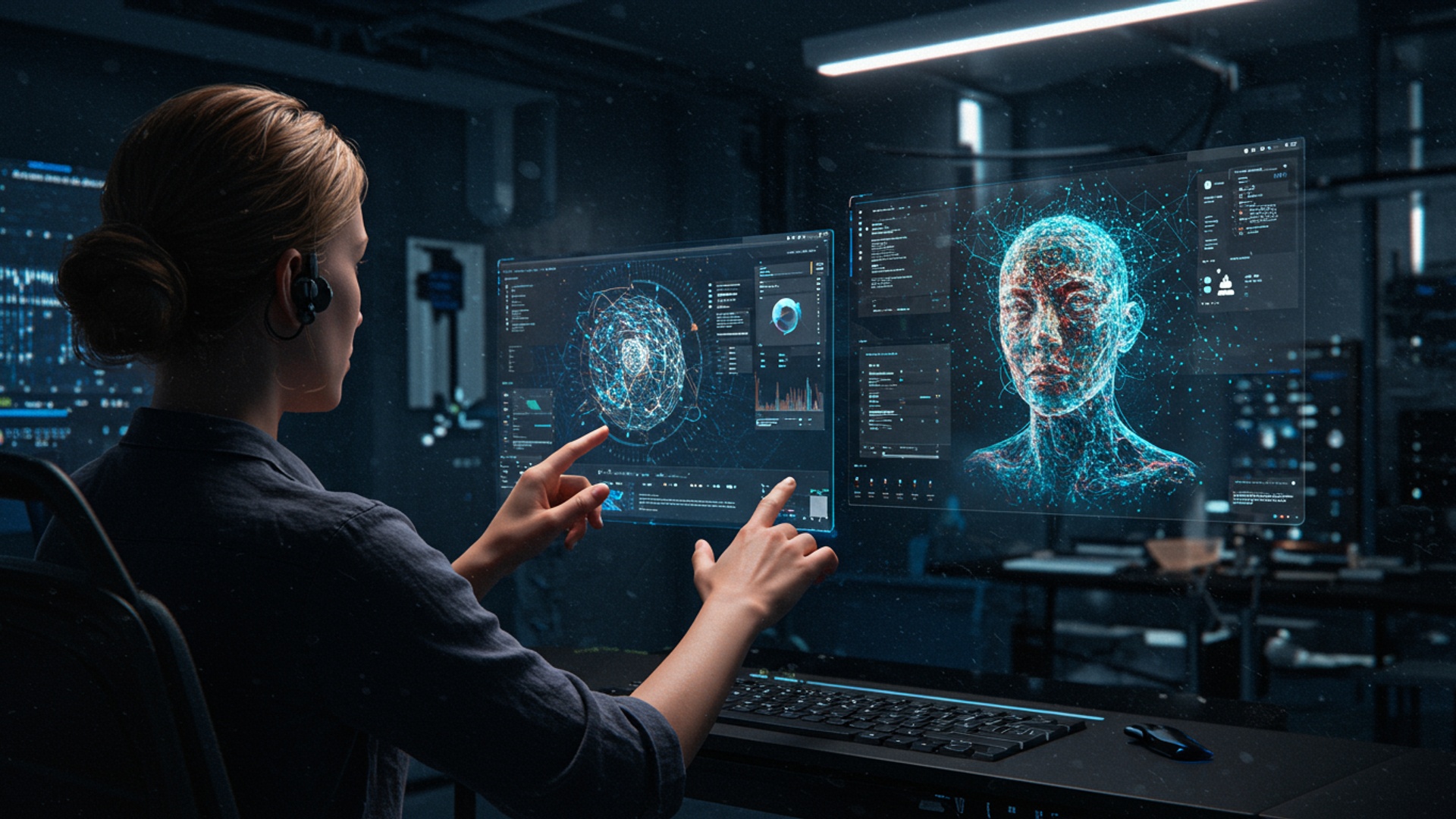
Understanding the Magic Behind Gemini AI Art
Artificial Intelligence (AI) has rapidly transformed many aspects of our digital lives. one of its most exciting frontiers is the realm of art and image generation. At its core, generative AI, like Google’s Gemini, allows machines to create original content—be it text, code, or in this case, stunning visuals—from simple instructions. Imagine having a digital artist at your fingertips, ready to bring your wildest ideas to life with just a few words.
So, how does Gemini AI actually work its visual magic? It leverages advanced machine learning models, specifically a type known as a “text-to-image” model. These models are trained on colossal datasets of images paired with descriptive text. Through this training, they learn the intricate relationships between words and visual elements. When you provide a text prompt, Gemini doesn’t just pull up an existing image; it interprets your words, understands the concepts, styles. details you’re requesting. then generates a completely new, unique image pixel by pixel based on that understanding. This process allows for incredible flexibility and creativity, making gemini image creation an accessible tool for everyone.
The power of text-to-image technology lies in its ability to bridge the gap between imagination and reality. You no longer need advanced graphic design skills or expensive software to visualize a concept. A simple description is enough to kickstart the creative process, opening up new avenues for artists, content creators, students. anyone with a visual idea.
Getting Started with Gemini Image Creation: Your First Steps
Diving into AI art might seem daunting. platforms powered by Gemini AI make it incredibly straightforward. Currently, you can often access Gemini’s image generation capabilities through Google’s experimental AI platforms, such as the main Gemini interface (formerly Bard) or potentially through other integrated Google services. The entry point is typically a chat interface where you can type your requests.
The first step is simply to tell Gemini what you want to see. This instruction is called a “prompt.” Think of it as giving directions to a highly skilled, incredibly fast artist. The clearer your directions, the better the outcome. Here’s how you might craft your very first prompt:
- Be direct: “Create an image of…”
- Include the main subject: “… a cat wearing a tiny crown…”
- Add some context or style: “… sitting on a velvet cushion, in a whimsical, storybook style.”
The beauty of gemini image creation is that you can start simple and build up. Don’t worry about getting it perfect on your first try. It’s an iterative process of experimentation and refinement. For instance, if you were to type something like:
Create an image of a red car.
Gemini would give you a red car. But if you wanted something more specific, you’d add more detail:
Create an image of a vintage red sports car speeding down a coastal highway at sunset, cinematic lighting.
Notice how the second prompt adds layers of detail: “vintage,” “sports car,” “speeding,” “coastal highway,” “sunset,” and “cinematic lighting.” These details guide the AI towards a much more specific and visually rich outcome.
Mastering the Art of Prompt Engineering for Stunning Results
While Gemini AI makes image creation easy, truly stunning results come from mastering “prompt engineering.” This is the art and science of crafting effective text prompts to guide the AI towards your desired visual output. Think of yourself as a director. Gemini as your incredibly talented. literal, crew.
Key elements of a great prompt include:
- Subject
- Style
- Setting/Environment
- Lighting
- Composition/Perspective
- Color Palette
Clearly define what you want to see. (e. g. , “a majestic lion,” “a bustling city street”)
Specify the artistic style. (e. g. , “impressionistic,” “cyberpunk,” “watercolor,” “photorealistic,” “Pixar-style”)
Describe the background or scene. (e. g. , “in a dense jungle,” “on a futuristic spaceship,” “against a starry night sky”)
Indicate the quality and direction of light. (e. g. , “golden hour,” “dramatic chiaroscuro,” “soft studio lighting,” “neon glow”)
How should the scene be framed? (e. g. , “close-up,” “wide shot,” “from above,” “symmetrical composition”)
Suggest specific colors or moods. (e. g. , “vibrant primary colors,” “muted pastel tones,” “monochromatic blue”)
Let’s consider an example. I once wanted to create an image for a blog post about future cities. My initial prompt was simply “Future city.” The result was generic. By iterating and adding detail, I refined it:
A sprawling futuristic city at night, bathed in neon glow, with flying vehicles navigating towering skyscrapers, volumetric fog, digital art.
This prompt provided a much more vivid and specific vision, leading to an image that perfectly captured the mood I was going for. This iterative process is crucial for effective gemini image creation.
Advanced prompting techniques can further enhance your results:
- Negative Prompts
- Using Modifiers
- Experiment with Adjectives
Some tools allow you to specify what you don’t want to see (e. g. , “ugly, deformed, blurry”). While not always directly available as a separate field in Gemini’s conversational interface, you can sometimes achieve similar effects by being very specific about what should be present.
Words like “ultra-detailed,” “cinematic,” “award-winning,” “trending on ArtStation,” “8K,” or “photorealistic” can significantly elevate the quality and aesthetic of the output.
Don’t just say “beautiful,” try “ethereal,” “majestic,” “serene,” or “chaotic” to evoke specific feelings.
Beyond the Basics: Advanced Features and Customization in Gemini Image Creation
While the core of gemini image creation is text-to-image, advanced users often look for more control and features. Depending on the specific platform integrating Gemini’s capabilities, you might find options for further customization:
- Image-to-Image Generation
- Controlling Style and Aesthetics
- Upscaling and Refinement
Some advanced AI tools allow you to upload an existing image and use it as a starting point, guiding the AI to transform or reimagine it based on your text prompt. While not always a direct feature in conversational Gemini, you can often describe an image you’ve seen and ask Gemini to create something similar with modifications.
Beyond just naming a style (e. g. , “oil painting”), you can often specify artists (e. g. , “in the style of Van Gogh”), art movements, or even camera settings (e. g. , “shot on a Canon EOS R5, f/2. 8, shallow depth of field”).
The initial images generated by AI might not always be high-resolution enough for all uses. Many platforms offer tools to “upscale” images, increasing their resolution and adding finer details. You can also ask Gemini to “refine” an image, asking for subtle changes to elements like lighting or color.
It’s also essential to touch upon the ethical considerations surrounding AI art. As powerful as these tools are, they are trained on existing human-created art. This raises questions about intellectual property, originality. the impact on human artists. As users, we have a responsibility to use these tools thoughtfully and ethically, respecting the origins of the data that fuels them. Always be mindful of potential biases in AI outputs and strive for responsible and inclusive creation.
Gemini AI vs. Other Image Generation Tools: A Quick Comparison
The field of AI image generation is bustling with innovation. While Gemini AI is a powerful contender, it’s helpful to interpret how it compares to other popular tools like Midjourney and DALL-E, especially for those considering options for gemini image creation.
| Feature | Google Gemini (Image Creation) | Midjourney | DALL-E 3 (e. g. , via ChatGPT Plus/Copilot) |
|---|---|---|---|
| Accessibility/Interface | Often integrated into conversational AI (e. g. , main Gemini interface), making it very user-friendly for beginners. Natural language focus. | Primarily accessed via Discord bot, which can have a steeper learning curve for new users. | Integrated into conversational UIs like ChatGPT Plus or Microsoft Copilot, offering a very natural language experience. |
| Artistic Style | Versatile, good at interpreting diverse styles, often produces realistic or stylized images well. Continually improving. | Renowned for its highly artistic, often surreal and visually striking outputs. Excellent for aesthetic quality. | Strong in photorealism and a wide range of illustrative styles, good at interpreting complex prompts. |
| Prompt Interpretation | Strong understanding of natural language, good at following instructions directly. | Excellent at interpreting abstract or artistic prompts, often adds its own creative flair. | Very good at precise prompt following, especially for complex scenes and specific details. |
| Iteration & Refinement | Conversational nature allows for easy follow-up prompts to refine images. | Offers variations and upscale options directly within the Discord interface, good for iterative design. | Can be refined through subsequent chat prompts, similar to Gemini. |
| Cost Model | Often available as part of free tiers or subscription models (e. g. , Gemini Advanced) depending on integration. | Subscription-based, with different tiers offering varying levels of usage. | Typically part of a subscription (e. g. , ChatGPT Plus) or free via Copilot with limitations. |
Each tool has its strengths. Gemini’s conversational integration makes it incredibly accessible and a fantastic starting point for anyone interested in AI image generation. Midjourney excels in pushing artistic boundaries, while DALL-E 3 often shines with its precise understanding and photorealistic capabilities. Your choice might depend on your specific project, desired aesthetic. comfort level with different interfaces.
Real-World Applications of Gemini Image Creation
The utility of AI-generated images extends far beyond just novelty. With tools like Gemini AI, individuals and professionals across various fields are finding innovative ways to apply this technology. Here are some compelling real-world applications:
- Content Creation for Social Media
- Personal Projects & Hobbies
- Educational Materials
- Concept Art & Design Prototyping
- Small Business Marketing
- Storytelling and Writing
From captivating Instagram posts to engaging LinkedIn banners, AI can quickly generate unique visuals that grab attention. Imagine needing a graphic for a post about “digital detox” and instantly getting a serene image of a person meditating in a minimalist, tech-free environment.
Whether you’re designing a custom T-shirt, creating a unique wallpaper for your phone, or illustrating a personal story, gemini image creation offers a limitless canvas for your imagination. I’ve seen hobbyists create incredible concept art for their Dungeons & Dragons campaigns, bringing characters and settings to life.
Teachers can use AI to generate visual aids for lessons, making complex topics more engaging. Students can illustrate presentations or reports with custom images, enhancing their storytelling.
For designers and artists, AI is a powerful brainstorming tool. Instead of sketching for hours, they can rapidly generate dozens of visual concepts for products, characters, or environments, accelerating the initial stages of design.
Entrepreneurs can create professional-looking marketing collateral, website graphics. ad visuals without hiring a graphic designer, saving time and resources. Need a specific image of “artisanal coffee beans in a rustic setting”? Gemini can produce it in seconds.
Authors and writers can use AI to visualize scenes, characters, or settings for their stories, helping them flesh out their ideas or create compelling cover art.
The versatility of gemini image creation means that almost anyone can find a practical and creative use for it, turning ideas into visuals faster and more efficiently than ever before.
Tips for Success and Actionable Takeaways
To truly unlock the potential of Gemini AI for image creation, here are some actionable tips and takeaways:
- Experiment Constantly
- Learn from Others
- Be Specific, But Flexible
- grasp Limitations
- Iterate and Refine
- Combine Concepts
- Backup and Organize
Don’t be afraid to try different prompts, styles. keywords. The more you experiment, the better you’ll interpret how Gemini interprets your requests. Keep a log of prompts that yield great results!
Follow AI art communities online. Observe how experienced prompt engineers craft their descriptions. Many share their prompts, providing valuable insights.
Provide enough detail to guide the AI. also be open to unexpected and delightful results. Sometimes, Gemini will interpret your prompt in a way you hadn’t considered, leading to a more creative outcome.
While powerful, AI isn’t perfect. It can sometimes struggle with complex compositions, text within images, or precise anatomical accuracy. Knowing these limitations helps manage expectations.
Treat prompt engineering as a conversation. If the first image isn’t quite right, adjust your prompt based on what you saw. Ask for “more vibrant colors,” “a different angle,” or “add a subtle glow.”
Don’t just generate a single object. Try combining seemingly unrelated concepts to create unique and fantastical images, like “a steampunk owl wearing spectacles reading a book in a library.”
If you generate an image you love, save it! Keep a folder of your best creations and the prompts that produced them. This will save you time and help you refine your process for future gemini image creation endeavors.
Conclusion
You’ve now explored the incredible potential of Gemini AI to transform your creative vision into stunning visuals. The true power lies not just in understanding the interface. in mastering the art of thoughtful prompting and embracing iterative refinement. My personal tip for consistently striking results is to always start with a clear subject, then progressively layer in details about style, lighting. mood, remembering that Gemini’s multimodal advancements allow for incredibly nuanced interpretations of your text. Don’t hesitate to dive in and experiment; perhaps try generating a ‘futuristic cityscape at sunset, neon glowing, cinematic light’ and then iterate by adding ‘detailed reflections on wet pavement’ or ‘a lone figure silhouetted.’ I once crafted a breathtaking ‘ethereal forest spirit, bioluminescent flora, misty atmosphere’ by simply focusing on vivid adjectives. This iterative process, leveraging recent developments in AI image generation to refine your output, is where the real magic happens. So, keep creating, keep refining. let your imagination flourish with Gemini, because every prompt is a brushstroke in your digital masterpiece. Discover more secret Gemini prompts here to further elevate your creations.
More Articles
7 Secret Gemini Prompts For Stunning AI Images
Generate Amazing AI Images A Complete Visual How To
Your Essential Guide to AI Prompt Engineering Principles
Discover High Paying Generative AI Jobs That Are Shaping the Future
Create Jaw Dropping Videos Effortlessly Using Grok AI Generator 
FAQs
What’s this guide all about?
This guide is your straightforward path to creating amazing images using Gemini AI. It breaks down the process, showing you how to turn your ideas into visual art without needing complex software or advanced design skills.
Do I need to be an artist or tech wizard to use Gemini AI for art?
Absolutely not! That’s the beauty of it. This guide is designed for everyone, from complete beginners to those just curious about AI art. If you can type a sentence, you can create stunning images with Gemini AI.
What kind of cool images can I actually make with Gemini AI?
The sky’s pretty much the limit! You can generate anything from realistic landscapes and abstract designs to character concepts, illustrations. even photorealistic scenes. Just describe what you envision. Gemini AI will help bring it to life.
How does Gemini AI turn my words into pictures so easily?
Gemini AI uses advanced algorithms to interpret your text descriptions (prompts) and then generates a visual representation based on its vast training data. It’s like having a super-smart artist who understands your instructions perfectly and paints it for you.
Is it really easy to get started, or is there a steep learning curve?
It’s genuinely easy! This guide focuses on simplifying the process, giving you clear steps and tips to start creating almost instantly. You’ll be surprised how quickly you can generate impressive art.
What if my first few attempts aren’t quite what I imagined?
That’s totally normal and part of the creative fun! The guide provides tips on refining your prompts and experimenting with different descriptions to achieve better results. It’s an iterative process. you’ll quickly learn what works best.
Do I need any special software or accounts to follow this guide?
You’ll typically need access to a platform that integrates Gemini AI for image generation. The guide will walk you through the necessary steps to get set up, often involving a simple sign-up for the chosen AI tool.