
The landscape of AI image creation has profoundly transformed digital artistry, moving beyond simple text-to-image prompts to sophisticated visual engineering. With the rapid evolution of models like Stable Diffusion and Midjourney, artists and designers now demand nuanced control, pushing past generic outputs to craft pixel-perfect visuals. Achieving truly compelling imagery, whether for photorealism or abstract concepts, requires more than just descriptive text; it involves mastering advanced prompt weighting, understanding latent space manipulation. leveraging techniques like ControlNet for precise pose or composition. This shift elevates the user from a mere prompt-giver to a skilled director, orchestrating AI’s immense generative power for unparalleled aesthetic results. 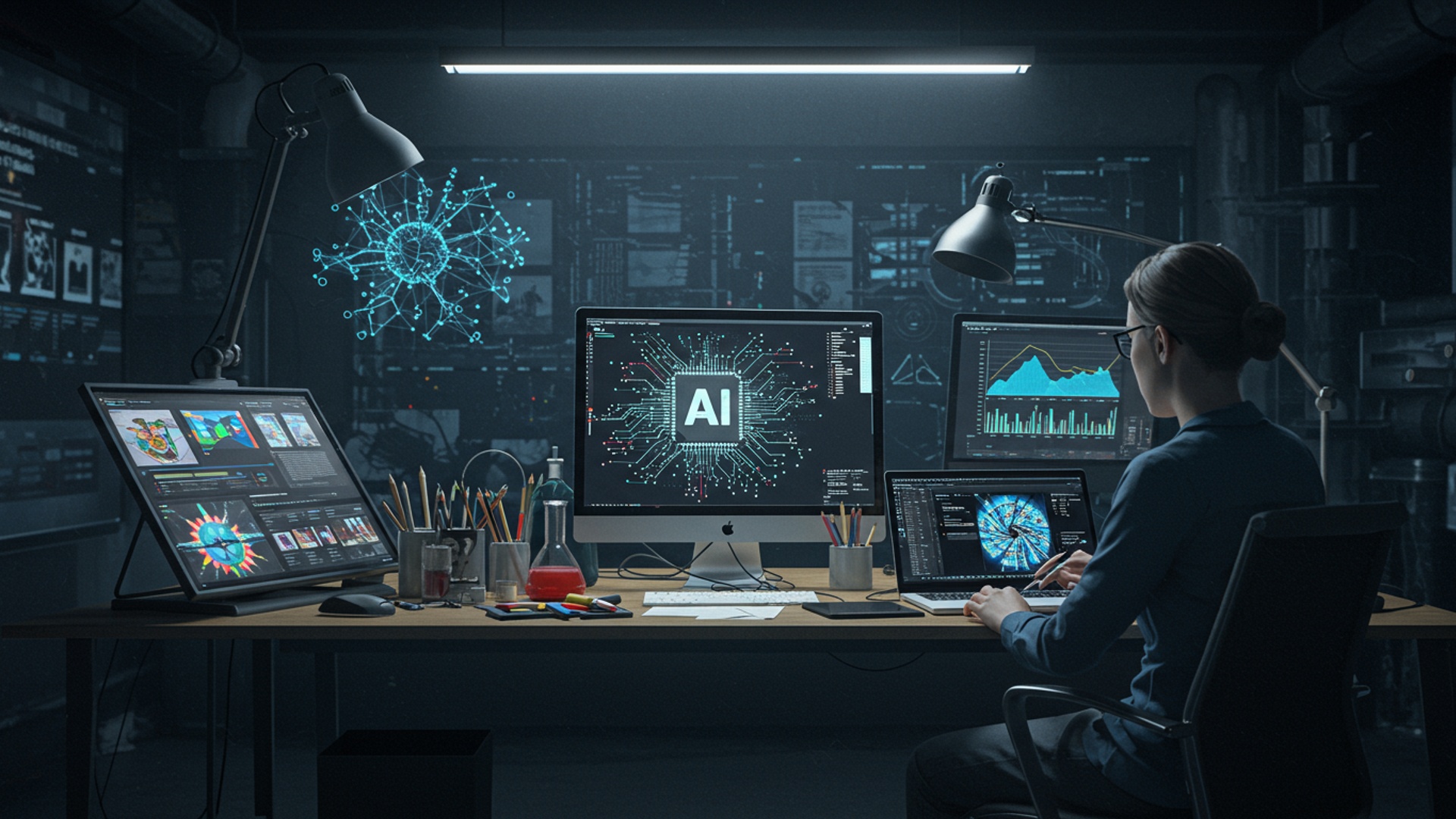
The Magic Behind AI Image Creation: A Quick Dive
In today’s digital landscape, the ability to conjure images from mere words feels like pure magic, yet it’s the fascinating reality of AI image creation. At its core, AI image creation involves using sophisticated artificial intelligence models to generate visual content based on textual descriptions, known as “prompts.” These models, trained on vast datasets of images and their corresponding descriptions, learn the intricate relationships between words and visual concepts. When you provide a prompt, the AI essentially “dreams up” an image that best fits your description, drawing on its learned knowledge.
Think of it like this: if you ask an artist to paint “a cyberpunk cat wearing a samurai helmet,” they’ll interpret your words based on their experience. An AI model does the same. its “experience” comes from millions of images it has processed. It understands what “cyberpunk” looks like, what a “cat” is. how a “samurai helmet” should appear, then combines these elements into a unique visual.
Key technologies powering this:
- Generative Adversarial Networks (GANs)
- Diffusion Models
These involve two neural networks, a “generator” that creates images and a “discriminator” that evaluates them. They constantly compete, pushing each other to produce increasingly realistic results.
More recently, models like Stable Diffusion and DALL-E 3, which are widely used for ai image creation, leverage diffusion. They start with random noise and gradually “denoise” it, transforming it into a coherent image guided by your prompt. It’s like slowly revealing a clear picture from a fuzzy TV screen.
The applications for AI image creation are exploding across industries. Artists use it for concept art, designers for rapid prototyping, marketers for unique ad campaigns. educators for engaging learning materials. Even individuals like me, who just enjoy bringing wild ideas to life, find immense joy in the process.
Tip 1: Master the Art of Prompt Engineering
Your prompt is the instruction manual for the AI. The clearer and more descriptive your instructions, the better the outcome for your ai image creation efforts. Think of prompt engineering as speaking the AI’s language. It’s not just about what you say. how you say it.
- Start with the Subject
- Add Details
- Specify Environment/Context
- Define Style
- Consider Lighting and Mood
Clearly define what you want to see. Is it a “majestic lion,” a “futuristic cityscape,” or a “tiny robot gardener”?
Describe characteristics. Is the lion “golden-maned,” the cityscape “neon-lit,” or the robot “rusty and cute”?
Where is it? “In an African savanna at sunset,” “under a perpetual rain,” or “in a vibrant greenhouse”?
This is crucial. Do you want “photorealistic,” “oil painting,” “digital art,” “anime style,” “watercolor,” or “pixel art”?
“Dramatic backlighting,” “soft morning light,” “eerie,” “joyful,” “serene.”
Basic:
A cat in a garden.
Advanced:
A fluffy ginger cat with emerald eyes, playfully pouncing on a butterfly in a sun-drenched cottage garden, overflowing with vibrant hydrangeas and buzzing bees. Photorealistic, shallow depth of field, golden hour lighting, hyperdetailed, 8k.
The difference in output can be astonishing. The more refined your prompt, the closer you get to your desired vision in ai image creation.
Tip 2: Be Specific, Not Vague
Ambiguity is the enemy of good ai image creation. The AI doesn’t know what you’re imagining unless you tell it. Instead of “a person,” try “a young woman with fiery red hair, wearing a leather jacket and sunglasses.” Instead of “a car,” specify “a vintage 1960s sports car, parked on a cobblestone street in Paris.”
My own early experiences with AI image creation often led to generic results because my prompts were too broad. I learned quickly that adding specifics like “award-winning photograph,” “cinematic lighting,” or “shot on a Canon EOS R5” dramatically improved the quality and aesthetic of the generated images. It’s about painting a picture with words.
Think about adjectives, adverbs. specific nouns. These are the building blocks that add richness and clarity to your prompts, guiding the AI toward a more precise interpretation of your concept.
Tip 3: Leverage Negative Prompts for Control
Just as essential as telling the AI what you want is telling it what you don’t want. This is where negative prompts come in. A negative prompt is a list of terms or concepts you wish the AI to avoid when generating your image. This is particularly useful for fixing common issues or preventing unwanted elements from appearing.
Common negative prompt terms for ai image creation include:
-
ugly, deformed, disfigured, poor quality, low resolution, blurry, bad anatomy, extra limbs, missing limbs, malformed hands, mutated, tiling, poorly drawn face, poorly drawn hands, out of frame, watermark, signature, text, error.
If you’re generating an image of a person, adding extra limbs, bad anatomy, malformed hands to your negative prompt can significantly reduce the chances of grotesque or unnatural features appearing. If you want a clean, sharp image, include blurry, low resolution . This subtle but powerful tool gives you an incredible level of control over the final output, refining your ai image creation process.
Tip 4: Experiment with Styles and Artists
AI models have been trained on vast amounts of art from various styles and artists throughout history. You can tap into this knowledge by incorporating specific stylistic cues or even artist names into your prompts. This is where the true artistic potential of ai image creation shines.
- Art Movements
- Specific Artists
- Media Types
- Render Engines
Try “impressionistic,” “surrealist,” “cubist,” “baroque,” “art deco.”
“In the style of Van Gogh,” “Rembrandt lighting,” “inspired by Hayao Miyazaki,” “Greg Rutkowski artstation.”
“Oil painting,” “charcoal sketch,” “watercolor,” “digital painting,” “pencil drawing,” “pixel art.”
For more photorealistic or 3D-rendered looks, terms like “Unreal Engine,” “Octane Render,” “Cycles Render” can be highly effective.
For instance, generating “a whimsical forest house, in the style of Studio Ghibli, concept art” will yield a vastly different result than “a whimsical forest house, oil painting by Vincent Van Gogh.” Don’t be afraid to mix and match styles (e. g. , “cyberpunk renaissance painting”) to discover unique aesthetics through ai image creation.
Tip 5: comprehend Aspect Ratios and Resolutions
The dimensions of your image play a crucial role in its composition and utility. Different AI models handle aspect ratios differently. most allow you to specify them. Common aspect ratios include:
- 1:1 (Square)
- 16:9 (Widescreen)
- 9:16 (Portrait)
- 3:2 or 2:3
Great for social media posts (e. g. , Instagram).
Ideal for banners, desktop wallpapers, or cinematic scenes.
Perfect for phone wallpapers, stories, or vertical content.
Standard photographic ratios.
Choosing the right aspect ratio ensures your subject is framed correctly and fits its intended use case. High resolution generally means more detail. it also takes longer to generate and consumes more resources. Start with lower resolutions for experimentation and only upscale when you have a satisfying composition. Many AI image creation tools offer upscaling features to enhance details after initial generation.
For example, if I’m creating a new header for my blog, I’ll typically use a 16:9 aspect ratio. For a character profile picture, 1:1 is usually my go-to. This forethought saves time and ensures the image is fit for purpose.
Tip 6: Utilize Iterative Refinement
Rarely does the perfect image appear on the first try. AI image creation is often an iterative process of generating, evaluating. refining. Think of it as a conversation with the AI.
- Generate Initial Images
- Evaluate
- Refine Prompt
- Generate Again
Start with a solid prompt and generate a few variations.
Look at what worked well and what didn’t. Did the AI capture the mood? Is the subject clear? Are there any unwanted elements?
Adjust your prompt based on your evaluation. Add more detail, remove problematic terms, tweak the style, or introduce negative prompts.
Use your refined prompt to generate new variations. Many tools allow you to “reroll” or “vary” an existing image, which helps maintain consistency while introducing subtle changes.
This cycle of feedback and adjustment is crucial for honing your skills and achieving truly perfect visuals. Don’t be afraid to make small changes to your prompt and generate multiple times; each iteration brings you closer to your ideal ai image creation.
Tip 7: Explore Different AI Models and Platforms
The world of AI image creation is rapidly evolving, with new models and platforms emerging constantly. Each model has its strengths, weaknesses. unique “personality.”
| AI Model/Platform | Key Characteristics | Best For |
|---|---|---|
| Midjourney | Exceptional artistic quality, cinematic and dreamy aesthetics, often requires more abstract prompting. | High-quality artistic renders, concept art, unique styles. |
| DALL-E 3 (via ChatGPT Plus/Copilot) | Excellent prompt adherence, understands complex multi-part prompts, great for specific scene construction. | Precise concepts, illustrations, realistic mockups, scenes with text. |
| Stable Diffusion (various interfaces like Automatic1111, Leonardo. AI, Fooocus) | Open-source, highly customizable, vast ecosystem of models (checkpoints/LoRAs), allows local running. | Fine-tuned control, specific styles (anime, photorealism), custom character generation, research. |
| Adobe Firefly | Integrated with Adobe ecosystem, focused on commercial use and safety, excellent for text effects and generative fill. | Graphic design, quick edits, commercial projects, content creation. |
My advice: don’t stick to just one. Experimenting with different platforms for your ai image creation needs can open up new creative avenues and help you find the tool that best suits your specific project. For example, I often use Midjourney for creative exploration and DALL-E 3 when I need a very specific scene or object generated.
Tip 8: Control Composition with Parameters
Beyond the descriptive text, many AI image creation tools offer parameters that give you finer control over the generation process. These vary by platform but often include:
- Seed
- Weights/Emphasis
- Chaos/Stylize
- CFG Scale (Classifier-Free Guidance Scale)
A numerical value that determines the initial noise pattern the AI starts with. Using the same seed with the same prompt will often yield very similar results, which is invaluable for consistency when iterating.
Some platforms allow you to assign “weights” to parts of your prompt (e. g. , (red dress:1. 2) to emphasize “red dress”). This can help the AI prioritize certain elements.
Parameters that influence how “wild” or “artistic” the AI’s interpretation will be. Higher values often lead to more unexpected and creative results, while lower values stick closer to the prompt.
Common in Stable Diffusion, this parameter determines how strongly the AI adheres to your prompt. A higher CFG scale means the AI will try harder to match the prompt. too high can sometimes lead to less creative or over-saturated images.
Learning to use these parameters effectively is like learning to use the manual settings on a camera. It moves you from simply pointing and shooting to truly mastering your ai image creation process.
Tip 9: Post-Processing is Your Friend
While AI image creation tools are incredibly powerful, they are rarely the final stop. Just like a photographer edits their raw photos, a generated AI image can often benefit from post-processing using traditional image editing software like Adobe Photoshop, GIMP, or even free online tools.
Post-processing can involve:
- Color Correction
- Cropping and Resizing
- Adding Details/Fixing Flaws
- Applying Filters/Effects
- Upscaling
Adjusting hues, saturation. brightness to achieve the perfect mood.
Fine-tuning the composition and aspect ratio.
Sometimes, AI might miss small details or create minor imperfections (especially with hands or eyes). These can often be retouched manually.
To further enhance the style or blend the image into a specific project.
Using dedicated upscaling tools (some built into AI generators, others standalone) to increase resolution and sharpness without losing quality.
Think of the AI as your initial creative partner, generating the core idea. Then, you step in as the final editor, polishing it into a masterpiece. This two-stage approach often yields the best results for professional ai image creation.
Tip 10: Learn from the Community and Share Your Work
The AI image creation community is vibrant, innovative. incredibly generous. Platforms like Discord servers for Midjourney and Stable Diffusion, Reddit communities (r/midjourney, r/stablediffusion). ArtStation are brimming with users sharing their prompts, techniques. stunning creations.
- Study Others’ Prompts
- Participate in Challenges
- Share Your Creations
- Follow Experts
Many users share their prompts alongside their images. assess what makes a successful prompt, how specific terms are used. what styles are popular.
Many communities host daily or weekly challenges, providing themes or specific constraints. This is a fantastic way to push your creative boundaries and learn new tricks.
Don’t be shy! Sharing your work not only gets you feedback but also contributes to the collective knowledge base. You might inspire others or receive valuable advice on how to improve your ai image creation skills.
Identify people who consistently produce high-quality AI art and learn from their approaches. Many artists share tutorials or behind-the-scenes glimpses of their workflow.
I personally owe much of my progress in ai image creation to the generosity of the community. Seeing how others tackle complex prompts or achieve specific styles has been an invaluable learning experience. Engaging with others transforms a solitary creative pursuit into a collaborative journey of discovery.
Conclusion
Mastering AI image creation isn’t about finding a single magic prompt; it’s a continuous journey of experimentation and refinement. As we’ve explored, the true power lies in understanding the nuances of your chosen AI model, much like an artist learns their tools. My personal experience, especially with recent models like Midjourney V6, has shown me that embracing negative prompts and iterating on subtle variations can transform a good idea into an extraordinary visual, far beyond what a basic prompt like “futuristic city” could achieve. Instead, try refining it to “cinematic wide shot, Tokyo cityscape at dusk, neon reflections, holographic advertisements, volumetric fog, –ar 16:9 –style raw”, pushing the boundaries with specific details and aspect ratios. The actionable takeaway is simple: don’t just generate, engineer. Dive into the settings, experiment with –stylize values. learn from every output, even the unexpected ones. These “happy accidents” often reveal new creative paths. The evolving landscape of AI, with developments like consistent character generation and enhanced inpainting capabilities, means your creative toolkit is constantly expanding. So, keep learning, keep prompting. let your imagination guide the pixels; the perfect visual is always just an iteration away.
More Articles
7 Secret Gemini Prompts For Stunning AI Images
Generate Amazing AI Images A Complete Visual How To
Your Essential Guide to AI Prompt Engineering Principles
Create Jaw Dropping Videos Effortlessly Using Grok AI Generator
Create Stunning AI Videos Effortlessly Transform Your Content 
FAQs
What’s the main point of these 10 tips for AI image creation?
These tips are all about helping you create stunning, professional-quality images with AI. We’re talking about moving past generic outputs to achieve truly perfect visuals that match your vision.
Who exactly are these tips designed for?
They’re for anyone and everyone dipping their toes into AI art, from total beginners trying to get their first decent image to seasoned creators looking to elevate their output and solve common generation frustrations.
What kind of common problems do these tips help fix?
Ever get blurry images, weird anatomy, inconsistent styles, or just visuals that don’t quite hit the mark? These tips tackle those exact issues, helping you gain more control and avoid those ‘AI glitches’.
Are these tips mostly about how to write better prompts?
While prompt engineering is super crucial and definitely covered, the tips go much deeper. They also touch on understanding your AI model, iterative refinement, using negative prompts effectively. even some post-generation adjustments to perfect your images.
How quickly can I expect to see better results after using these tips?
You should start seeing noticeable improvements pretty quickly, often with your very next few generations! The more you apply and experiment with the advice, the faster you’ll master creating those perfect visuals.
Do I need any fancy software or advanced technical skills to follow along?
Nope, not at all! These tips are designed to be accessible and work with most popular AI image generators. You don’t need to be a tech wizard; just a willingness to experiment and refine your approach.
Can these tips help me get a very specific artistic style or mood in my images?
Absolutely! A big focus of the tips is on guiding the AI to interpret and reproduce specific artistic styles, moods. aesthetic details. You’ll learn how to inject your unique vision into the AI’s output.