
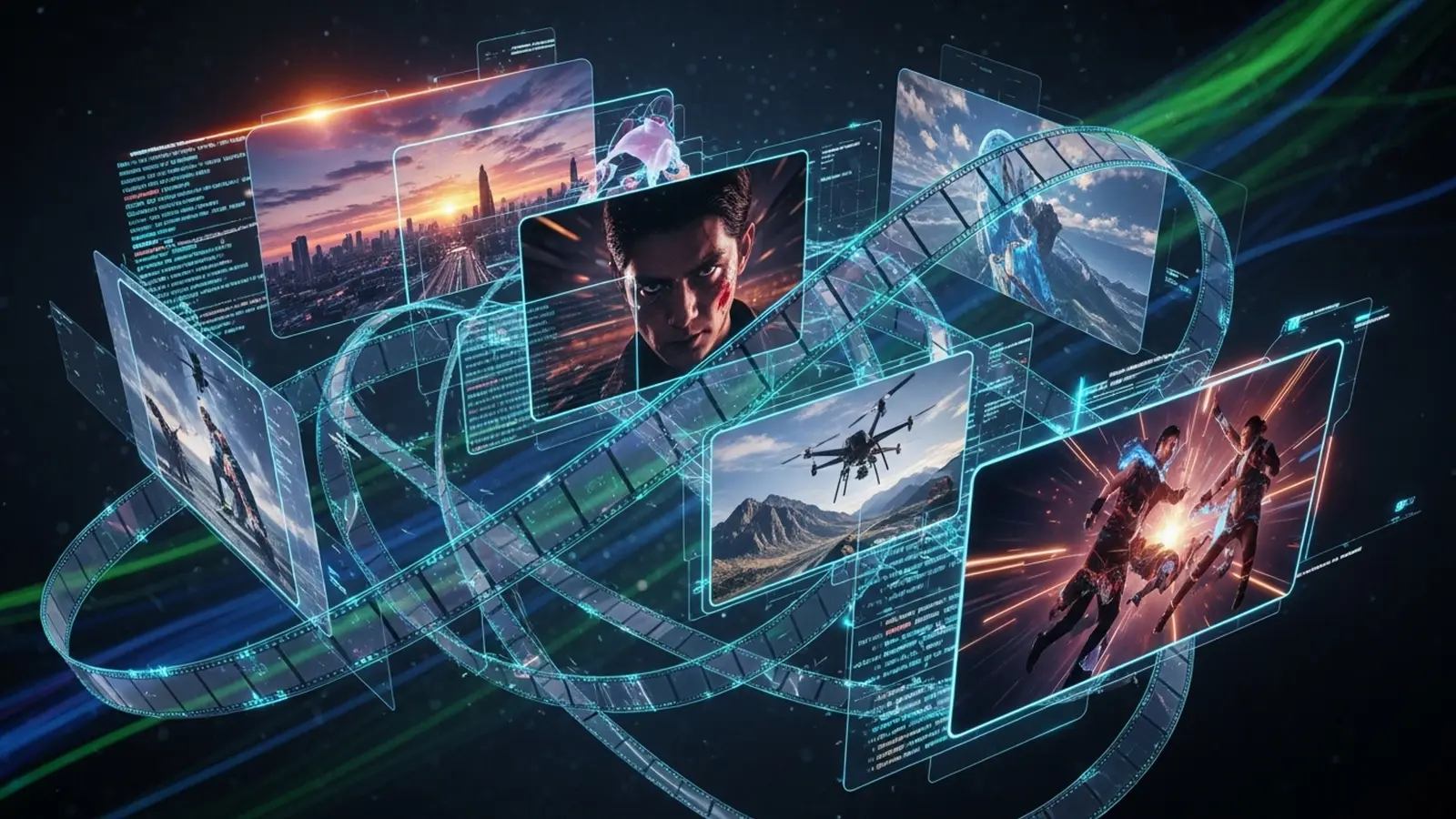
The advent of Google Veo 3 has fundamentally shifted the landscape of AI-powered video generation, offering unprecedented fidelity and creative control for filmmakers and content creators. Moving beyond rudimentary text-to-video, mastering sophisticated google Veo 3 prompts is now crucial for crafting truly cinematic video. Imagine effortlessly generating a 2. 35:1 anamorphic shot featuring a melancholic protagonist under a neon-lit rain, or a dynamic drone tracking sequence over an autumnal forest, all with precise control over camera movement, lighting. mise-en-scène. This precision is not just about descriptive words; it’s about understanding Veo 3’s underlying model to evoke specific emotional tones and visual aesthetics, pushing the boundaries of what’s possible in digital storytelling.

Unlocking Cinematic Brilliance with Google Veo 3: A New Era for Video Creation
Get ready to have your mind blown, because we’re diving headfirst into the exhilarating world of Google Veo 3! Imagine a tool that takes your wildest visual concepts and transforms them into breathtaking, high-quality video clips with just a few words. That’s exactly what Google Veo 3 promises. it’s a monumental leap forward in generative AI for video. For anyone with a passion for storytelling, filmmaking, or just creating incredibly cool visuals, Veo 3 is nothing short of revolutionary.
At its core, Google Veo 3 is an advanced text-to-video AI model, developed by Google DeepMind. Think of it as a super-powered digital director and visual effects artist all rolled into one. You provide it with a textual description – what we call a ‘prompt’ – and Veo 3 generates a corresponding video sequence. What sets Veo 3 apart is its remarkable ability to interpret nuanced instructions, maintain visual consistency across frames. produce footage that boasts a high degree of fidelity, realism. cinematic quality. It can generate videos in various styles, from hyper-realistic to animated. even grasp complex camera movements and lighting conditions specified in your prompt. This isn’t just generating shaky GIFs; we’re talking about coherent, dynamic. genuinely cinematic clips that could easily be mistaken for professional productions.
The magic behind Veo 3 lies in its deep learning architecture, trained on a colossal dataset of videos and images. This extensive training allows it to grasp not only what objects look like but also how they move, how light interacts with them. how different cinematic techniques contribute to a scene’s overall mood and impact. For creators, this means the barrier to entry for producing high-quality video content has never been lower. From filmmakers pre-visualizing complex scenes to marketers crafting engaging ads or content creators bringing imaginative concepts to life, the potential is boundless. The key, But, to harnessing this power lies in mastering the art of the ‘google Veo 3 prompts’.
The Art of Prompt Engineering for Google Veo 3
If Google Veo 3 is the engine, then your prompts are the steering wheel and accelerator. Prompt engineering is the craft of designing effective text inputs (prompts) to guide an AI model towards generating the desired output. It’s not just about telling the AI what you want to see. how you want to see it, where it’s happening, who is involved. what feeling it should evoke. For cinematic video, this precision is absolutely critical.
Why is specific prompt engineering so crucial for achieving cinematic results with google Veo 3 prompts? Because cinema isn’t just about imagery; it’s about storytelling, mood, visual language. emotional impact. A vague prompt like “a person walking” will give you just that – a generic video of someone walking. But a finely tuned prompt, rich with descriptive adjectives, specific camera instructions, lighting cues. stylistic preferences, can transform that simple action into a dramatic, suspenseful, or joyful sequence. It’s the difference between a snapshot and a scene from a blockbuster. With Veo 3, the more detailed and evocative your google Veo 3 prompts are, the closer you’ll get to realizing your cinematic vision.
10 Essential Google Veo 3 Prompts for Cinematic Video
Let’s dive into some powerful google Veo 3 prompts that will help you craft stunning cinematic videos. These aren’t just examples; they’re templates for thinking about how to construct your own masterpieces.
The Establishing Shot Extraordinaire
- The Concept
- Example Prompt
Every great story needs a setting. An establishing shot sets the scene, introduces the environment. often dictates the mood. It’s about scale and atmosphere.
"Wide shot of a lone explorer silhouetted against a vast, alien desert at sunset, dust devils swirling, cinematic, 8K, anamorphic lens flare, deep orange and purple hues."
This prompt specifies the camera angle (“Wide shot”), the subject (“lone explorer silhouetted”), the setting (“vast, alien desert at sunset”), specific environmental details (“dust devils swirling”). crucial cinematic elements (“cinematic, 8K, anamorphic lens flare, deep orange and purple hues”). Notice how “anamorphic lens flare” adds a specific film aesthetic.
Always include camera angle, time of day/lighting, key subjects. at least one specific cinematic effect or lens type to define your establishing shots.
Dynamic Character Introduction
- The Concept
- Example Prompt
How you introduce a character can define their presence and role in a story. This prompt focuses on bringing a character to life with atmosphere and style.
"Medium close-up, a detective in a trench coat walks through a rainy, neon-lit city street, steam rising from grates, low angle, dramatic lighting, film noir aesthetic, slow motion."
Here, we define the shot (“Medium close-up”), the character (“detective in a trench coat”), the environment (“rainy, neon-lit city street, steam rising from grates”), specific camera work (“low angle”). the desired style/mood (“dramatic lighting, film noir aesthetic, slow motion”).
Combine character description with their environment, a specific camera perspective. a strong genre/mood descriptor for impactful introductions.
Evoking Emotional Landscapes
- The Concept
- Example Prompt
Sometimes the environment itself is a character, reflecting or setting an emotional tone.
"Slow push-in on a weathered wooden cabin nestled in a snow-covered forest, smoke gently curling from the chimney, warm interior glow, melancholic, golden hour, 24fps."
This prompt uses camera movement (“Slow push-in”) to draw the viewer in, details the setting (“weathered wooden cabin, snow-covered forest”), adds specific visual cues (“smoke gently curling, warm interior glow”). explicitly states the desired emotion and lighting (“melancholic, golden hour”) along with a classic frame rate.
Use emotional adjectives, specific lighting conditions. subtle environmental details to imbue your landscapes with feeling.
Action Sequence Mastery
- The Concept
- Example Prompt
Generating dynamic, high-energy action sequences requires precise instructions about movement, speed. visual chaos.
"Fast-paced tracking shot following a high-speed futuristic hoverbike chase through a bustling cyberpunk metropolis, sparks flying, lens distortion, intense, 120fps feel, ultra-wide."
We’re specifying speed (“Fast-paced”), camera technique (“tracking shot”), subjects and setting (“high-speed futuristic hoverbike chase through a bustling cyberpunk metropolis”). crucial action-oriented visual effects (“sparks flying, lens distortion, intense, 120fps feel”). “Ultra-wide” enhances the dynamic feel.
For action, specify speed, camera movement, dynamic elements (sparks, dust, water). effects like lens distortion or a high frame rate “feel.”
Sci-Fi & Fantasy World-Building
- The Concept
- Example Prompt
Unleash your imagination to create otherworldly environments that transport viewers to new realms.
"Drone shot over an ancient, overgrown alien ruin covered in bioluminescent flora, twin moons in a nebula-filled sky, mystical, ethereal glow, fantastical, wide vista."
This prompt uses a specific aerial camera view (“Drone shot”), describes the unique setting (“ancient, overgrown alien ruin covered in bioluminescent flora”), celestial details (“twin moons in a nebula-filled sky”). the overall atmosphere (“mystical, ethereal glow, fantastical”).
For fantasy/sci-fi, combine unique geological/architectural features with fantastical elements (bioluminescence, alien skies) and a specific sense of wonder or mystery.
Historical Authenticity
- The Concept
- Example Prompt
Recreate historical periods with visual accuracy and a sense of gravitas.
"Over-the-shoulder shot of a Roman legionnaire marching through a dusty, sun-baked landscape, distant view of an ancient aqueduct, sepia tones, historical accuracy, epic scope, midday sun."
Here, the camera angle (“Over-the-shoulder shot”) grounds the viewer with the character (“Roman legionnaire”), the setting evokes the period (“dusty, sun-baked landscape, ancient aqueduct”). specific stylistic choices (“sepia tones, historical accuracy, epic scope, midday sun”) reinforce authenticity.
Specify historical figures/objects, period-appropriate environments. stylistic choices (color grading, lighting) that evoke the era.
Macro & Detail Shots
- The Concept
- Example Prompt
Zooming in on small details can amplify emotion or highlight intricate textures, adding depth to your narrative.
"Extreme close-up on a single tear rolling down a cheek, reflecting flickering candlelight, shallow depth of field, emotional intensity, slow motion, macro lens."
This prompt is all about intimacy. We demand an “Extreme close-up,” specify the focal detail (“single tear rolling down a cheek”), environmental reflections (“reflecting flickering candlelight”). critical camera/effect details (“shallow depth of field, emotional intensity, slow motion, macro lens”).
For details, use “extreme close-up” or “macro,” specify what’s in focus. add elements that enhance emotional weight or texture, along with lens type.
Abstract & Experimental Visuals
- The Concept
- Example Prompt
Sometimes, you need visuals that are less about narrative and more about pure aesthetic or emotional expression.
"Swirling vortex of vibrant liquid colors, dissolving and reforming, abstract, psychedelic, macro photography style, fluid dynamics simulation, seamless loop."
This prompt breaks free from conventional narrative. It describes the motion (“Swirling vortex”), specific visual elements (“vibrant liquid colors, dissolving and reforming”), the style (“abstract, psychedelic, macro photography style”). even hints at the underlying physics (“fluid dynamics simulation”) and desired output format (“seamless loop”).
Don’t be afraid to describe pure visual phenomena, artistic styles. desired movements without a concrete subject for experimental results.
The Dramatic Reveal
- The Concept
- Example Prompt
Building anticipation and then dramatically unveiling a character, object, or location.
"Slow pan up from a pair of worn boots to reveal a grizzled old prospector standing at the edge of a vast, uncharted canyon, awe-struck expression, golden hour backlight, suspenseful."
This prompt uses a specific camera movement (“Slow pan up”) to build suspense, starting with a detail (“worn boots”) and progressively revealing the subject and setting (“grizzled old prospector, vast, uncharted canyon”). It also includes emotional cues (“awe-struck expression”) and lighting (“golden hour backlight, suspenseful”).
Structure your reveal prompts with a starting point, a camera movement that unveils. the final reveal, adding emotional or atmospheric context.
Seamless Transitions & Morphing
- The Concept
- Example Prompt
Advanced generative techniques allow for incredible visual transformations that can serve as compelling transitions or surreal sequences.
"A serene forest scene slowly transforms into a bustling futuristic cityscape, maintaining camera angle and light, seamless morph, dreamlike, transition effect, high detail."
This prompt describes two distinct scenes (“serene forest scene” and “bustling futuristic cityscape”) and, crucially, the process of transformation (“slowly transforms into,” “seamless morph”). It also specifies maintaining continuity (“maintaining camera angle and light”) and the desired aesthetic (“dreamlike, transition effect, high detail”). This is where google Veo 3 prompts really shine in showcasing its advanced capabilities.
For transformations, clearly state the start and end states, the nature of the transition (slow, fast, seamless, dissolving). any continuity you wish to preserve.
Crafting Your Own Masterful Google Veo 3 Prompts
Now that you’ve seen some examples, let’s distill the principles for writing your own killer google Veo 3 prompts. Think of your prompt as a director’s brief, leaving no room for ambiguity where specificity is needed.
- Keywords are King
- Camera Angles & Movement
- Lighting & Mood
- Art Style & Genre
- Technical Details
- Iterate and Refine
Use descriptive adjectives, strong verbs. precise nouns. Instead of “a house,” try “a dilapidated Victorian mansion,” “a minimalist concrete dwelling,” or “a rustic log cabin.” Be specific about colors, textures. conditions.
Don’t just say “video.” Specify “wide shot,” “close-up,” “POV (Point of View),” “dolly zoom,” “tracking shot,” “crane shot,” “slow pan,” “fast tilt,” “dutch angle.” These terms are part of cinematic language and Veo 3 understands them.
Light is fundamental to cinema. Describe it: “golden hour,” “blue hour,” “chiaroscuro lighting,” “high-key,” “low-key,” “backlight,” “moonlight,” “flickering candlelight,” “neon glow.” Pair these with mood words: “melancholic,” “thrilling,” “serene,” “eerie,” “hopeful.”
Guide Veo 3 towards a particular aesthetic. “Film noir,” “cyberpunk,” “steampunk,” “documentary style,” “anime,” “impressionistic painting,” “hyperrealistic.” This helps the AI comprehend the visual conventions to follow.
Don’t shy away from technical film terms. “8K resolution,” “24fps,” “slow motion,” “anamorphic lens flare,” “shallow depth of field,” “bokeh,” “grainy film look,” “VFX,” “CGI.” These fine-tune the output significantly.
Prompt engineering is rarely a one-shot deal. Start broad, then add details. If the result isn’t quite right, adjust one or two elements in your google Veo 3 prompts and try again. Experimentation is key to discovering what works best for your vision. Think of it like a conversation with the AI; you’re guiding it closer and closer to your desired outcome.
Veo 3 in the Wild: Real-World Applications
The practical uses for Google Veo 3 are incredibly exciting and diverse:
- Filmmaking Pre-visualization
- Marketing & Advertising
- Content Creation
- Game Development
- Personal Projects & Artistic Exploration
Directors can quickly generate animatics or storyboards, seeing their scenes come to life before shooting. This saves immense time and resources in production planning.
Imagine generating countless ad variations for A/B testing or quickly conceptualizing short, engaging social media videos without needing a full production crew. It’s a game-changer for rapid content creation.
YouTubers, TikTokers. independent creators can produce high-quality intros, outros, B-roll footage, or entire short films, transforming their ideas into polished visuals with unprecedented ease.
Concept artists can create dynamic cutscenes or environmental fly-throughs to visualize game worlds and narratives.
For anyone with a creative spark, Veo 3 offers an accessible canvas to explore visual ideas, create dream sequences, or simply experiment with generative art in motion.
While other impressive AI video tools like RunwayML and Pika Labs exist, Google Veo 3, backed by Google’s vast research and computational power, often stands out for its potential in generating longer, more coherent. visually stunning clips. Google’s expertise in understanding complex language and visual data positions Veo 3 as a formidable contender for truly cinematic results. It’s not just about what it can generate. how consistently and artfully it can do so when fed the right google Veo 3 prompts.
Conclusion
Mastering Google Veo 3 isn’t just about knowing the tool; it’s about mastering the art of instruction, transforming abstract ideas into tangible cinematic realities. As we’ve explored, granular detail, from specifying a “dramatic dolly shot” to capturing “golden hour lighting on a bustling Tokyo street,” is what elevates a good prompt to a spectacular one. My personal tip? Don’t settle for the first output; I’ve found that iteratively refining your prompts, perhaps by adding a specific camera lens type or a unique soundscape, truly unlocks Veo 3’s creative potential, much like a director fine-tuning a scene. This iterative approach is crucial in the rapidly evolving landscape of generative AI video, where recent developments like Veo 3 and OpenAI’s Sora are constantly pushing boundaries. Your ability to articulate your vision precisely through prompts is becoming your most valuable skill. So, embrace the experimentation, learn from each generation. confidently direct your next cinematic masterpiece with Google Veo 3. The power to create stunning visual narratives is now literally at your fingertips.
More Articles
Open AI Sora The Revolution in Realistic Video Generation
Unlock Incredible Videos with Google Veo 3 Prompt Mastery
The Ultimate Guide to Crafting Powerful AI Prompts for Amazing Results
Crafting AI Prompts The Ultimate Blueprint for Success
Unleash Creativity with OpenAI Sora A User Guide 
FAQs
What exactly is Google Veo, anyway?
Google Veo is an advanced AI model designed to generate high-quality video clips from text prompts. Think of it as your personal film studio that turns your written ideas into moving pictures.
Why bother with ‘essential prompts’ for Veo? Can’t I just type anything?
While you can type anything, using essential prompts is like giving Veo a clear, well-structured script. These specific prompts are crafted to guide the AI towards generating videos with a distinct cinematic feel, helping you get the best possible results for that professional look.
What kind of cinematic effects do these specific prompts help create?
These prompts are designed to influence various cinematic aspects like lighting, camera angles, shot composition, color grading. even the overall mood or genre. They help you achieve that polished, visually striking quality often seen in movies.
Are these prompts only for experts, or can a beginner use them too?
Not at all! These essential prompts are incredibly useful for both beginners and experienced creators. They provide a solid starting point and clear guidance, making it easier for anyone to experiment and produce impressive cinematic videos with Veo.
Can I mix and match these prompts, or should I stick to one at a time?
Absolutely! Combining prompts is often encouraged. You can layer different elements – for example, a prompt for dramatic lighting with one for a specific camera movement – to create even more nuanced and unique cinematic scenes. Experimentation is key!
Will using these prompts make my Veo videos look like a Hollywood blockbuster?
While these prompts significantly elevate the quality and cinematic feel of your Veo videos, they’re tools to guide the AI, not a magic wand. The output will be incredibly impressive and professional-looking for AI-generated content. it’s still AI, not a multi-million dollar film crew.
How do these ‘essential’ prompts differ from just any random prompt I might think of?
The ‘essential’ prompts are specifically engineered with cinematic principles in mind. They use precise language and keywords that Google Veo understands best for producing film-like qualities, leading to more consistent and higher-quality cinematic outputs compared to generic, less focused prompts.