
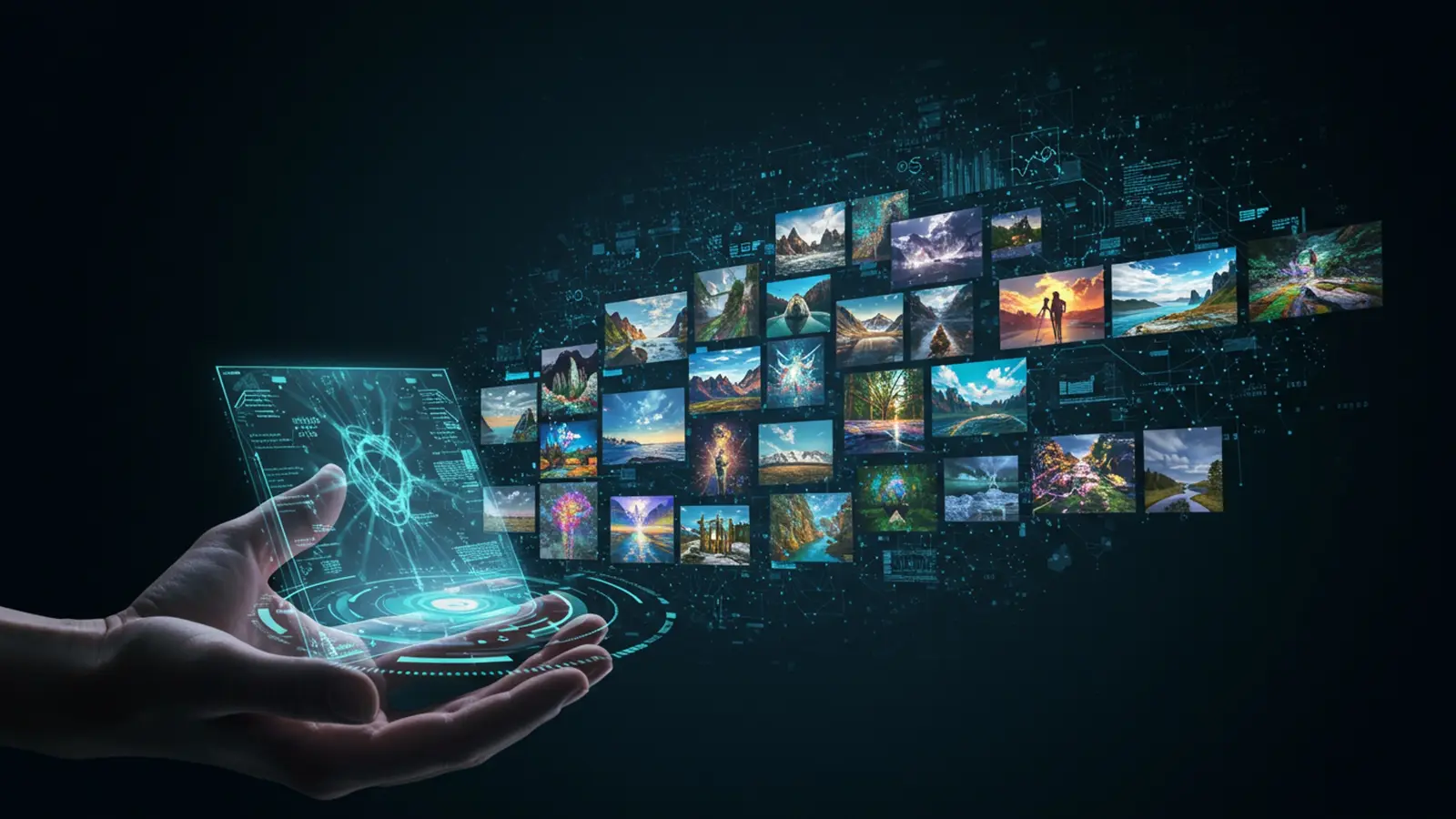
The landscape of digital art has undergone a profound transformation, positioning sophisticated ai image creation tools at the forefront of creative expression. Recent advancements in generative AI, exemplified by models like DALL-E 3 and Midjourney V6, now empower users to conjure astonishing visuals – from a hyperrealistic astronaut exploring a nebular void to an intricate abstract cityscape – simply by articulating their vision through concise prompts. This paradigm shift democratizes artistic production, making complex computational artistry accessible via linguistic precision rather than coding expertise. Mastering the subtle art of prompt engineering unlocks an expansive universe of imagery, transforming imagination directly into stunning visual realities with unparalleled ease.

The Magic Behind the Pixels: Understanding AI Image Generation
Imagine being able to conjure any image you desire, simply by describing it in words. This incredible capability is no longer science fiction but a present-day reality, thanks to the revolutionary field of AI image generation. At its core, AI image generation refers to the process where artificial intelligence algorithms create visual content, ranging from photorealistic pictures to abstract art, based on textual descriptions or other input.
The foundation of this technology lies in sophisticated AI models, primarily a category known as Generative Adversarial Networks (GANs) and, more recently and prominently, Diffusion Models. While GANs involve two competing neural networks (a generator creating images and a discriminator evaluating them), Diffusion Models work by learning to reverse a process of gradually adding noise to an image. They essentially “denoise” a random field of pixels, guided by your text prompt, until a coherent image emerges. This complex interplay of algorithms has transformed the landscape of digital art and content creation, making high-quality ai image creation accessible to virtually anyone.
Think of it like this: these AI models have “read” and “seen” an unimaginable amount of images and corresponding text descriptions from the internet during their training phase. They’ve learned the intricate relationships between words and visual concepts – what a “cat” looks like, how “futuristic” elements are portrayed, or the essence of “Van Gogh’s style.” When you provide a prompt, the AI taps into this vast learned knowledge to construct a unique image that aligns with your description. It’s not copying; it’s creating something new based on its understanding of patterns and aesthetics.
Deconstructing the Prompt: Your Creative Command Center
The heart of successful ai image creation lies in the prompt – the text description you provide to the AI model. It’s not just a casual sentence; it’s your instruction manual for the AI. A well-crafted prompt acts as a precise directive, guiding the AI to produce results that align with your vision. Conversely, a vague or poorly structured prompt can lead to generic, uninspired, or even nonsensical outputs.
The anatomy of an effective prompt typically includes several key components, though not all are always necessary:
- Subject
- Action/Context
- Style/Art Medium
- Details/Descriptors
- Lighting/Atmosphere
- Composition/Perspective
- Negative Prompts
What is the main focus of your image? (e. g. , “a cat,” “a spaceship,” “a bustling city street”)
What is the subject doing, or where is it located? (e. g. , “a cat playing with a ball,” “a spaceship landing on Mars,” “a bustling city street at night”)
What artistic style or medium should the image emulate? (e. g. , “oil painting,” “digital art,” “photorealistic,” “anime style,” “Impressionist”)
Adjectives and specific characteristics that enhance the subject or scene. (e. g. , “a fluffy orange cat,” “a sleek silver spaceship,” “a rain-slicked bustling city street”)
How should the scene be lit. what mood should it convey? (e. g. , “golden hour,” “neon glow,” “dramatic chiaroscuro,” “serene morning light”)
How should the image be framed? (e. g. , “wide shot,” “close-up,” “from above,” “portrait orientation”)
What do you not want in the image? This is crucial for refining outputs and avoiding unwanted elements. (e. g. , “ugly, deformed, blurry, low quality, text”)
The importance of keywords and specificity cannot be overstated. Just like a search engine, the more precise and descriptive your terms, the better the AI can interpret and fulfill your request. Instead of “a flower,” try “a vibrant red rose with dewdrops, macro shot, soft morning light.” This level of detail empowers the AI to move beyond a generic interpretation to something truly specific and stunning. The actionable takeaway here is to start simple, observe the AI’s output. then progressively add more detail and refine your prompt based on what you see. This iterative process is fundamental to mastering ai image creation.
Crafting Your First Masterpiece: Simple Prompt Strategies
Embarking on your journey of ai image creation doesn’t require complex coding or artistic expertise. You can generate surprisingly stunning images with remarkably simple prompts. The key is to comprehend how to guide the AI with clear, concise language. Let’s explore some basic strategies:
-
Starting Simple: Subject + Style
Begin with the most fundamental elements: what you want to see and in what artistic style. This is your baseline for experimentation.
a futuristic city, digital arta tranquil forest, oil painting -
Adding Adjectives and Descriptors
Once you have a subject and style, enhance them with descriptive adjectives. These words add character, color. specific qualities to your subject.
a majestic golden dragon, flying over a snowy mountain, fantasy arta cozy old bookstore, warm lighting, photorealistic -
Exploring Artistic Styles
The AI has been trained on countless art styles. Experimenting with different movements or artists can dramatically alter the output and is a core aspect of creative ai image creation.
a cat sitting on a windowsill, Impressionist paintinga lone samurai in a bamboo forest, ukiyo-e stylea portrait of an old man, inspired by Rembrandt -
Using Negative Prompts for Refinement
Sometimes, it’s easier to tell the AI what you don’t want. Negative prompts are powerful tools to clean up outputs, remove artifacts, or steer the image away from undesirable elements. For instance, if your AI keeps adding text or distorted limbs, a negative prompt can help.
a beautiful sunset over the ocean, vibrant colors --no text, watermark, deformeda cute puppy playing in a field, happy expression --no blurry, ugly, extra limbs
I remember my first attempt at creating a desktop background. I simply typed
"a serene mountain lake"
. The result was nice. a bit generic. Then, I added
", misty morning, reflections, photorealistic, 8k"
and the difference was astounding. The water had perfect reflections, a soft mist clung to the peaks. the overall image had a depth and realism that truly made it stunning. This personal experience taught me the immediate power of just a few extra descriptive words in ai image creation.
Advanced Prompting Techniques for Stunning Results
Once you’ve mastered the basics, you can delve into more advanced techniques to exert greater control over your ai image creation and achieve truly unique and breathtaking results. These methods leverage the AI’s understanding of complex visual concepts.
-
Controlling Composition and Perspective
Directing the AI on how to frame the shot can dramatically change the narrative and impact of your image.
a majestic eagle soaring above a canyon, wide shot, golden houra close-up portrait of a robot with glowing eyes, cyberpunk stylean aerial view of a bustling market square, vibrant colors, intricate details -
Specifying Lighting and Atmosphere
Lighting is crucial in photography and art. AI models are adept at interpreting various lighting conditions to set the mood and enhance realism.
a lone figure walking through a foggy street, dramatic chiaroscuro lighting, film noir stylea cozy living room with a fireplace, soft warm glow, hygge aesthetica futuristic cityscape at night, lit by neon signs and holographic projections -
Mixing Styles and Concepts
One of the most exciting aspects of ai image creation is the ability to fuse seemingly disparate ideas into a coherent and novel image. This is where true creativity shines.
a steampunk cat astronaut floating in space, detailed, cinematic lightinga medieval knight riding a cyberpunk motorcycle, epic fantasy arta portrait of a geisha with robotic implants, traditional Japanese art meets sci-fi -
Iterative Prompting: The Art of Refinement
Rarely will your first prompt yield the perfect image. The most effective strategy is iterative prompting. Start with a simple prompt, generate an image, assess what you like and dislike. then modify your prompt based on that feedback. This could involve:
- Adding more specific details.
- Adjusting artistic styles or moods.
- Using negative prompts to eliminate unwanted elements.
- Experimenting with different keywords or synonyms.
For instance, if you want “a mystical forest,” and the AI gives you something too dark, you might refine it to
"a mystical forest, bathed in ethereal light, glowing mushrooms, vibrant moss". This continuous loop of creation and refinement is how you truly master ai image creation.
My friend, a graphic designer, initially struggled to generate unique background textures. He would start with
"abstract texture"
and get generic results. By embracing iterative prompting, he began adding details like
"abstract texture, iridescent, flowing liquid metal, highly detailed, macro shot"
and then refining it with negative prompts like
"--no sharp edges, no repeating patterns"
. The results transformed his design workflow, allowing him to create bespoke textures that would have taken hours to render manually.
Tools of the Trade: Platforms for AI Image Creation
The landscape of ai image creation tools is rapidly evolving, with several platforms offering distinct features, strengths. pricing models. Choosing the right tool depends on your specific needs, desired level of control. budget. Here’s a brief overview and comparison of some popular options:
| Platform | Ease of Use | Customization & Control | Cost Model | Key Strengths |
|---|---|---|---|---|
| Midjourney | Medium (Discord-based interface) | High (Extensive parameters, iterative generation) | Subscription (Free trial sometimes available) | Exceptional artistic quality, particularly for aesthetic and stylized images. Great for creative concept generation. |
| DALL-E 3 (via ChatGPT Plus/Copilot Pro) | Very High (Natural language integration) | Medium (Good for direct prompts, less granular control over parameters than Midjourney) | Subscription (Included with ChatGPT Plus/Copilot Pro) | Excellent prompt understanding, especially for complex or multi-concept prompts. Good for photorealism and specific objects. |
| Stable Diffusion (various interfaces like Automatic1111, DreamStudio) | Varies (Low for local installation, Medium for web UIs like DreamStudio) | Very High (Open-source, vast customization, community models) | Free (local install), Subscription/Credits (web UIs) | Unparalleled flexibility and control for advanced users. Can run locally, offering privacy and unlimited generation. |
| Adobe Firefly | High (Integrated into Adobe ecosystem) | Medium (Good for text-to-image, text effects, generative fill) | Subscription (Included with Adobe Creative Cloud) | Designed for creatives, focused on commercial use and safe content. Seamless integration with Adobe apps. |
Each of these platforms offers a unique gateway into the world of ai image creation. For beginners, DALL-E 3’s natural language understanding might be the easiest entry point. For those seeking artistic flair, Midjourney excels. And for power users who want ultimate control and customization, Stable Diffusion is often the go-to. It’s often recommended to experiment with free trials or lower-tier subscriptions to find the tool that best suits your creative workflow.
Real-World Applications: Beyond the Canvas
The impact of ai image creation extends far beyond just generating pretty pictures. Its capabilities are being harnessed across various industries, revolutionizing workflows and unlocking new creative possibilities. Here are some compelling real-world applications:
- Graphic Design & Marketing
- Concept Art & Game Development
- Personal Expression & Hobbies
- Education & Storytelling
- Architecture & Interior Design
Marketers can quickly generate unique visuals for social media campaigns, blog headers, advertisements. website content, often in mere seconds. This drastically reduces the time and cost associated with stock photography or custom design work. For example, a small e-commerce business I advised needed fresh visuals daily for their Instagram. Instead of hiring a photographer or buying expensive stock images, they used AI to create custom product mockups and lifestyle shots, significantly boosting their engagement and saving their budget.
Artists and designers in the gaming and film industries use AI to rapidly prototype concepts for characters, environments, vehicles. props. This accelerates the pre-production phase, allowing them to visualize ideas and explore countless variations before committing to detailed design work. Imagine a game developer needing a hundred unique alien creature designs; AI can provide a vast array of starting points.
For hobbyists and individual creators, AI image generation offers an accessible way to bring their imaginative ideas to life without needing advanced artistic skills. Whether it’s creating custom artwork for personal projects, designing unique avatars, or simply exploring their creativity, the barrier to entry for visual expression has been significantly lowered.
Educators can generate custom visual aids to make learning more engaging, while writers and storytellers can create illustrations for their narratives, children’s books, or graphic novels, even if they can’t draw. This allows for personalized content that resonates more deeply with the audience.
Architects and interior designers can quickly generate visualizations of design concepts, exploring different materials, lighting. spatial arrangements. This helps clients visualize proposed designs more effectively and facilitates faster iteration in the design process.
The ability to instantly materialize ideas into visuals has become a game-changer. I recently saw a case where a small startup, aiming to launch a new eco-friendly product, struggled with branding visuals. They couldn’t afford a large design agency. Using AI image creation, they generated a stunning set of brand imagery, including their product in various natural settings, conceptual packaging. advertising mockups. This not only saved them thousands of dollars but also allowed them to present a highly polished brand image to investors and early customers, demonstrating the tangible impact of this technology.
Ethical Considerations and the Future of AI Image Creation
As with any powerful technology, ai image creation comes with a set of vital ethical considerations that warrant attention and discussion. Understanding these aspects is crucial for responsible and informed use.
- Bias in AI
- Copyright and Ownership
- Misinformation and Deepfakes
- Displacement of Human Artists
AI models are trained on vast datasets of existing images and text, which often reflect societal biases present in the real world. This can lead to outputs that perpetuate stereotypes, lack diversity, or misrepresent certain groups. For instance, prompting for “a CEO” might predominantly generate images of men, or “a beautiful person” might lean towards specific Eurocentric beauty standards. Addressing this requires careful curation of training data and ongoing research into bias detection and mitigation techniques.
The legal landscape around AI-generated art is still evolving. Who owns the copyright to an image created by an AI? Is it the user who wrote the prompt, the company that developed the AI, or does it belong in the public domain? Different jurisdictions and platforms are approaching this question in various ways, creating complexities for artists, businesses. legal professionals. Users engaging in ai image creation should be aware of the terms of service of the platforms they use and stay informed about current legal discussions.
The ability to generate highly realistic images also raises concerns about the creation and spread of misinformation. AI can be used to create convincing fake images, including “deepfakes” of individuals or events that never occurred, potentially leading to social and political disruption. Developing robust detection methods and promoting media literacy are vital countermeasures.
There are legitimate concerns within the artistic community about AI’s potential to displace human artists and illustrators. While AI can automate certain tasks, many argue that it serves as a tool to augment human creativity rather than replace it, allowing artists to focus on higher-level conceptual work and iteration. The future likely involves a collaborative ecosystem where human creativity is enhanced by AI tools.
The future of ai image creation is undoubtedly bright and transformative. We can expect models to become even more sophisticated, offering finer control, greater realism. the ability to generate longer, more complex visual narratives. Integration with other AI modalities, such as video and 3D generation, will open up entirely new dimensions of creative expression. As these technologies advance, it becomes increasingly essential for users, developers. policymakers to engage in thoughtful dialogue to ensure that the development and deployment of ai image creation tools are guided by ethical principles and contribute positively to society.
Conclusion
You’ve now seen how straightforward it is to generate stunning AI images by mastering simple prompts, transforming abstract ideas into vivid visuals. The key isn’t complex coding. rather understanding how to articulate your vision clearly to the AI. My personal tip is to always iterate; start broad, then refine. For instance, if you want a “futuristic cityscape,” begin there, then add specifics like “neon lights, flying cars, cyberpunk aesthetic” and play with aspect ratios for dramatic effect, much like how artists fine-tune their brushstrokes. Embrace the iterative process, experimenting with modifiers and negative prompts to steer the AI precisely. I once struggled to generate a specific whimsical character until I realized adding “no blurry edges, crisp details, vibrant colors” drastically improved the output, mirroring the recent advancements in models like Midjourney V6 for hyper-realism. Remember, the AI is your creative partner; your clear communication is its fuel. Don’t shy away from diving in and playing. The most captivating AI art emerges from fearless experimentation and a willingness to tweak. Every prompt you write is a step towards unlocking your unique visual language in this exciting new creative frontier.
More Articles
Your Guide to AI Prompt Engineering Unlock Smarter AI
Create Stunning AI Art 5 Easy Steps to Amazing Visuals
Master Google Veo 3 Prompts Craft Engaging AI Videos Every Time
Unlock the Future of AI Content Your Brand’s Next Evolution 
FAQs
What’s this ‘generate AI images’ thing all about?
It’s using artificial intelligence to create unique pictures just by typing out descriptions, or ‘prompts,’ of what you want to see. No drawing skills or fancy software required!
Do I need to be a tech wizard to make these images?
Absolutely not! The whole idea is to make it super accessible. If you can type a simple sentence, you can generate an AI image. It’s designed for everyone, regardless of technical skill.
What kind of images can I actually create?
The possibilities are pretty much endless! You can generate anything from realistic landscapes, fantasy creatures, abstract art, product mockups, character designs, or even imagined scenes from your favorite stories. Your imagination is the only limit.
How do I even start writing a good prompt?
Think descriptively! Start with your main subject, then add details about style (e. g. , ‘oil painting,’ ‘digital art’), colors, lighting, mood. even camera angles. Simple, clear words work best to guide the AI.
What if my first AI image isn’t quite what I envisioned?
That’s totally normal! Generating AI images is often an iterative process. You can easily tweak your prompt, add or remove details, or try different variations until you get closer to your desired vision. It’s all about experimentation and refining your descriptions.
Are there any tricks to getting really stunning results?
Yes! Focus on being specific and adding evocative adjectives. Instead of ‘a cat,’ try ‘a majestic Siamese cat with glowing emerald eyes, sitting on a velvet cushion, dramatic studio lighting.’ Experiment with different art styles like ‘photorealistic,’ ‘watercolor,’ or ‘steampunk.’ Practice makes perfect!
Can I use these AI-generated images for my personal projects?
Generally, yes! Most platforms allow you to use the images you create for personal projects. For commercial use, it’s always a good idea to quickly check the specific terms of service for the AI tool you happen to be using, just to be sure.