
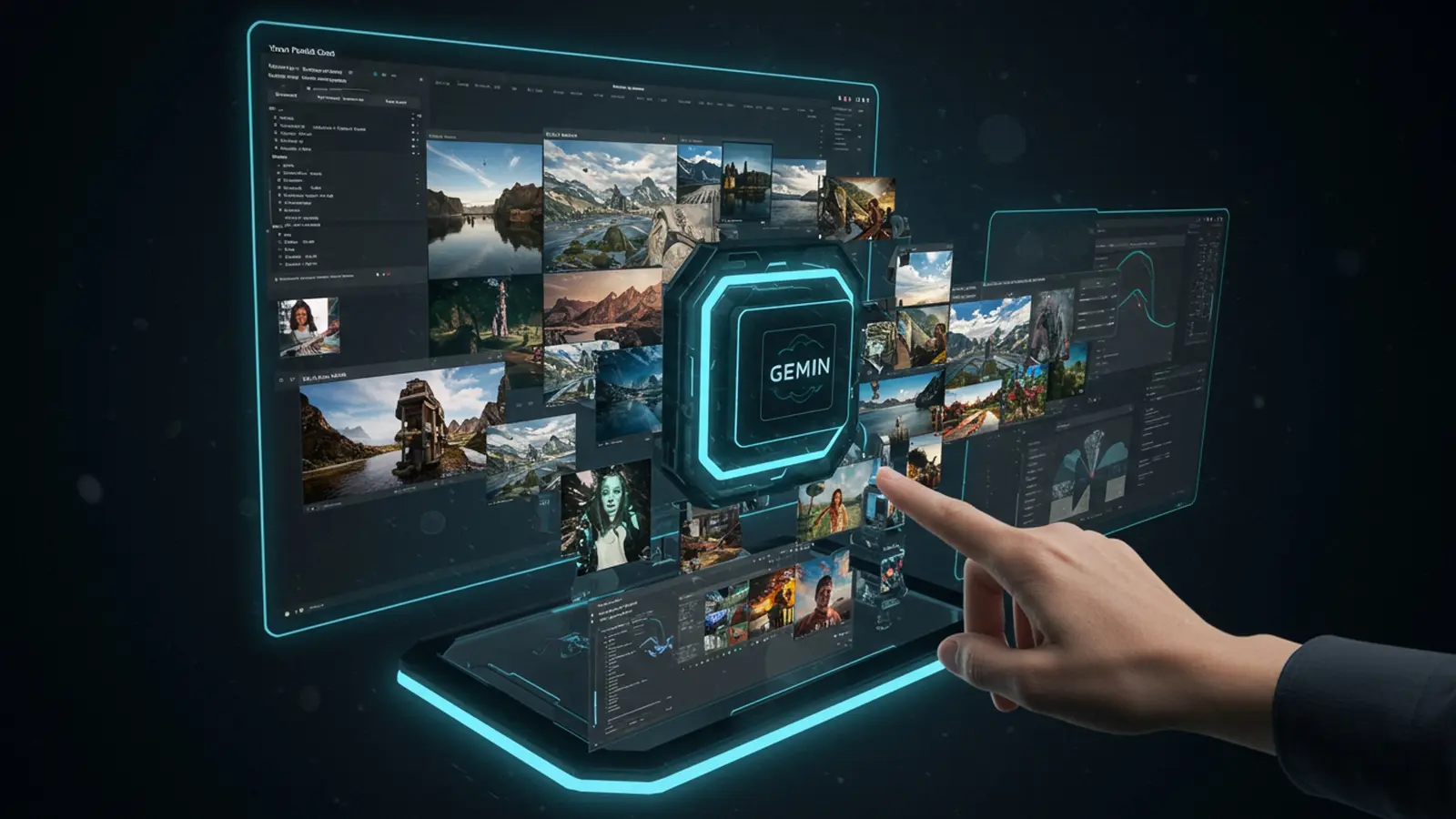
The digital canvas of AI image generation rapidly expands, with Gemini’s advanced multimodal capabilities revolutionizing creative workflows. No longer confined to simple text-to-image prompts, users now leverage Gemini 1. 5 Pro’s massive context window to synthesize intricate visual narratives, producing everything from hyper-realistic architectural renderings to abstract conceptual art. This powerful evolution in gemini image creation demands a nuanced understanding of prompt engineering and iterative refinement, moving beyond basic descriptors to craft truly stunning, contextually rich visuals. Mastering these techniques unlocks unparalleled artistic freedom, transforming complex ideas into breathtaking imagery with precision and imaginative flair.

Understanding the Power of Gemini for Image Creation
In today’s visually-driven world, the ability to conjure images from mere words feels like magic. Google’s Gemini, a powerful multimodal AI model, brings this magic to your fingertips, transforming textual descriptions into stunning visuals. At its core, Gemini is designed to comprehend and generate various forms of data—text, code, audio, images. video. When it comes to image generation, it leverages sophisticated generative AI technologies, often based on diffusion models, to interpret your creative vision and render it visually.
The beauty of using Gemini for image creation lies in its accessibility and the continuous advancements in its underlying algorithms. Unlike traditional graphic design, which often requires specialized software and skills, Gemini democratizes the process. You describe, it creates. This makes it an invaluable tool for anyone looking to produce high-quality, unique images quickly and efficiently, whether for personal projects, professional presentations, or creative explorations.
Getting Started with Gemini Image Creation: The Essentials
Embarking on your journey with gemini image creation is surprisingly straightforward. The primary method for most users involves interacting with the model through platforms like Google AI Studio or other integrated interfaces where Gemini’s capabilities are exposed. The fundamental principle revolves around what’s known as “prompt engineering” – essentially, the art and science of communicating your desired image to the AI through text.
To begin, you’ll typically find a text input field where you can type your instructions. Think of this as your canvas. your words as your brushstrokes. The clearer and more descriptive your instructions, the closer the generated image will be to your imagination. A basic prompt starts with defining your subject. we’ll dive deeper into that shortly. The key takeaway here is that your prompt is the direct line of communication with the AI, guiding its creative process.
Crafting Effective Prompts: Your Artistic Brush
The secret to stunning gemini image creation lies in mastering the prompt. It’s not just about telling the AI what you want; it’s about guiding it with precision, detail. a touch of artistic flair. Here’s a breakdown of elements that make up a powerful prompt:
- Clarity and Specificity
- Detailing the Subject
- Defining the Action/Pose
- Setting the Environment/Background
- Specifying Style and Aesthetics
- Mood and Atmosphere
- Technical Specifications (if applicable)
- Negative Prompts (Optional but Powerful)
This is the golden rule. Vague prompts lead to generic results. Be precise about your subject and its attributes.
Start with the main focus. What is it? What color? What material?
What is your subject doing? Is it standing, flying, sitting, interacting with something?
Where is it located? Describe the setting in detail—indoor, outdoor, futuristic city, serene forest.
This is where you dictate the artistic direction. Do you want a “photorealistic” image, a “watercolor painting,” “cyberpunk art,” “minimalist graphic,” or “cinematic still”?
Convey the feeling you want the image to evoke. Is it “serene,” “dramatic,” “joyful,” “eerie,” or “futuristic”?
Sometimes, adding technical terms can refine the output. Think “wide-angle lens,” “bokeh effect,” “HDR photography,” “8k resolution.”
Some interfaces allow you to specify what you don’t want in the image. This helps in filtering out undesired elements. For instance, “do not include people” or “avoid cartoonish style.”
Let’s look at an example:
// Vague Prompt A cat in a garden. // Effective Prompt for Gemini Image Creation A majestic Siamese cat with striking blue eyes, gracefully leaping over a dew-kissed rose bush in a vibrant, sunlit English garden. Photorealistic, wide-angle lens, shallow depth of field, golden hour lighting, hyper-detailed fur.
Notice the difference? The second prompt leaves little to the AI’s imagination, guiding it towards a very specific and high-quality result.
Advanced Techniques for Stunning Gemini Images
Once you’ve mastered the basics, you can explore advanced techniques to push the boundaries of your gemini image creation:
- Iterative Prompting
- Using Modifiers and Keywords
- Controlling Composition
- Achieving Consistency
- Leveraging Multimodal Prompts (if available)
Don’t expect perfection on the first try. Generate an image, assess what works and what doesn’t, then refine your prompt based on the output. This iterative process is crucial for achieving truly stunning results.
Experiment with powerful adjectives and art styles. Keywords like “hyperrealistic,” “volumetric lighting,” “epic,” “dreamlike,” “steampunk,” “baroque,” “glitch art,” “low poly,” or “concept art” can drastically alter the final image.
Use terms like “close-up,” “full body shot,” “wide shot,” “dramatic angle,” “from above,” or “eye-level perspective” to influence the image’s framing.
If you’re creating a series of images, try to maintain a consistent set of style descriptors in your prompts. For example, always include “cinematic, neo-noir, high contrast” to keep a uniform aesthetic.
Gemini’s strength is its multimodal nature. If your interface allows, you can provide an initial image as context along with your text prompt. While not strictly “image-to-image generation” in the sense of directly transforming a source image, providing a visual reference can help Gemini grasp the aesthetic or subject matter you’re aiming for, especially when combined with descriptive text. For example, “Generate a new character in the style of this provided image, wearing futuristic armor and standing on a desolate alien planet.”
Common Pitfalls and How to Avoid Them in Gemini Image Creation
Even with the best intentions, you might encounter challenges. Here are common pitfalls and how to navigate them:
- Vague Prompts
- Solution
- Over-Prompting
- Solution
- Ignoring Safety Guidelines and Ethical Considerations
- Solution
- Lack of Iteration
- Solution
As discussed, this is the biggest culprit. If your output is generic or not what you envisioned, your prompt is likely too broad.
Add more descriptive adjectives, specific actions. environmental details.
Sometimes, too much detail or conflicting instructions can confuse the AI, leading to a jumbled or nonsensical image.
Simplify and prioritize. Focus on the most crucial elements first, then add layers of detail. Remove redundant or contradictory descriptors.
AI image generators, including Gemini, have guardrails against generating harmful, explicit, or biased content. Trying to circumvent these can lead to failed generations or account restrictions.
Always adhere to ethical guidelines. Focus on positive, creative. respectful content. Be mindful of potential biases in AI outputs and strive for inclusive representations.
Expecting a perfect image on the first try is unrealistic.
Embrace the iterative process. Generate, evaluate, refine. regenerate. Think of it as sculpting—you chip away at the prompt until the desired form emerges.
Real-World Applications and Use Cases of Gemini Image Creation
The practical applications of gemini image creation are vast and continually expanding. Here are a few examples:
- Content Creation
- Prototyping and Concept Art
- Marketing and Advertising
- Education
- Personal Projects
Bloggers, social media managers. marketers can quickly generate unique headers, post visuals, or ad creatives without needing stock photos or hiring designers. For instance, creating captivating visuals for a travel blog post about “exploring ancient ruins” or an Instagram carousel illustrating “healthy breakfast ideas.”
Designers and artists can rapidly visualize ideas for products, characters, environments, or architectural concepts. A game designer might use Gemini to generate dozens of creature designs based on different prompts, saving hours in the ideation phase.
Businesses can create bespoke imagery for campaigns, ensuring their visuals are fresh, relevant. stand out from competitors. Imagine generating a unique image for a new product launch that perfectly captures its essence.
Educators can produce custom illustrations for teaching materials, making complex subjects more engaging and understandable. Visualizing historical events, scientific processes, or literary scenes can enhance learning.
From creating unique avatars and desktop wallpapers to illustrating a personal story or designing custom gifts, Gemini empowers individual creativity. I recently used Gemini to create a series of whimsical illustrations for a children’s story I’m writing. The ability to quickly generate variations of character poses and background settings based on my textual descriptions saved me countless hours compared to traditional sketching, allowing me to focus more on the narrative.
Comparing Gemini Image Creation to Other Tools
While Gemini offers a powerful solution for image generation, it’s part of a broader ecosystem of AI tools. Here’s a brief comparison with some other prominent text-to-image models:
| Feature | Gemini Image Creation | DALL-E 3 (OpenAI) | Midjourney |
|---|---|---|---|
| Accessibility | Integrated into Google AI Studio and potentially other Google products. Often user-friendly interfaces. | Integrated into ChatGPT Plus/Enterprise and Bing Image Creator. | Primarily accessed via Discord bot. |
| Ease of Use (for beginners) | Generally high, with a focus on natural language understanding. | Very high, often excels at interpreting complex, conversational prompts. | Moderate to high, requires learning specific commands and parameters. |
| Prompt Flexibility | Strong understanding of detailed and nuanced prompts. Multimodal capabilities. | Excellent at following detailed instructions and incorporating specific elements. | Highly flexible with a wide range of stylistic parameters and modifiers. |
| Artistic Style | Versatile, capable of photorealism, various art styles. illustrative outputs. | Known for strong aesthetic coherence and often more “illustrative” or “artistic” default styles. | Renowned for its distinct, often cinematic, painterly. high-fidelity artistic output. |
| Cost Model | Often available with free tiers or integrated into existing Google services; premium access for higher usage. | Included with ChatGPT Plus subscription; free via Bing Image Creator (with daily boosts). | Subscription-based, with various tiers for usage. |
| Strengths | Multimodal understanding, strong for detailed, specific scenes, integrated into Google ecosystem. | Exceptional prompt comprehension, great for intricate scenes, natural language interaction. | High artistic quality, unique aesthetic, excellent for creative and imaginative concepts. |
Each tool has its unique strengths. the best choice often depends on your specific needs, desired aesthetic. comfort with different interfaces. But, for a blend of powerful capabilities, ease of use. integration, Gemini image creation presents a compelling option for many users.
Conclusion
This guide has equipped you with the foundational understanding to transform your creative visions into stunning Gemini images. Remember, the true mastery lies in your iterative approach; don’t be afraid to experiment with nuanced descriptors, like specifying “cinematic volumetric lighting at dusk” versus a simple “sunset” to dramatically alter mood. I’ve found that my most compelling results, from intricate architectural concepts to fantastical creature designs, emerged after countless small tweaks to prompt details, especially when refining aspects like texture and material properties, a trend currently prevalent in AI art communities. My personal tip is to view each generation as a learning opportunity; assess what worked and what didn’t, then refine your prompt. This continuous feedback loop is crucial for building an intuitive understanding of Gemini’s capabilities. Dive deeper into prompt engineering to truly unlock its vast potential and transform your ideas into tangible art. The digital canvas awaits your unique perspective.
More Articles
Craft Compelling AI Prompts A Step-by-Step Tutorial
Beyond the Basics Advanced Prompt Techniques for AI Mastery
5 Simple Gemini Prompts for Incredible AI Images A Visual Masterclass
5 Secrets to Generating Perfect AI Images Every Time
Master AI Prompt Engineering for Powerful Results 
FAQs
What’s this ‘Practical Guide to Stunning Gemini Image Creation’ all about?
This guide is your straightforward path to creating awesome images using Gemini. It cuts through the jargon and shows you exactly how to generate striking visuals, even if you’re just starting out with AI art.
Do I need to be a tech wizard or an artist to use this guide effectively?
Absolutely not! This guide is designed for everyone, from complete beginners curious about AI image generation to folks who want to level up their Gemini prompt game. No special artistic skills or deep tech knowledge are required.
What kind of cool stuff will I actually learn to make?
You’ll learn to craft a wide range of stunning images – think realistic photos, artistic illustrations, abstract concepts. much more. The guide focuses on giving you the techniques to bring your imaginative ideas to life with Gemini.
Is it really ‘practical’? Like, hands-on practical?
Yep, super practical! We’re talking step-by-step instructions, clear examples. actionable tips you can use right away. You won’t just read about it; you’ll be creating right alongside the guide.
What if my images don’t turn out right the first time? Does the guide help with troubleshooting?
Definitely. The guide covers common pitfalls and offers strategies for refining your prompts and techniques. It helps you comprehend why an image might not be what you expected and how to adjust your approach for better results.
Do I need any special software or accounts besides Gemini itself?
Nope, just access to Gemini! The guide focuses entirely on leveraging Gemini’s built-in image generation capabilities, so you won’t need to download or subscribe to anything extra.
Can I use these techniques for professional projects or just for fun?
Both! While it’s incredibly fun to experiment, the techniques you’ll learn are robust enough to be applied to various projects, whether personal creative endeavors, social media content, or even certain professional applications. The sky’s the limit!