
The digital landscape demands striking visuals. generic stock imagery no longer cuts it. Mastering Gemini image creation transcends simple text-to-image prompts; it’s about transforming abstract concepts into breathtaking realities. Imagine effortlessly generating a photorealistic cosmic nebula with a hidden ancient ruin, or a whimsical character design for a new game, complete with dynamic lighting and intricate textures. This journey delves into advanced prompt engineering techniques, understanding Gemini’s multimodal nuances. leveraging its powerful capabilities to achieve unparalleled visual fidelity. Discover how to move beyond basic outputs, refining your vision through iterative adjustments and specific parameter controls, ensuring every pixel aligns with your creative intent in a rapidly evolving visual economy.
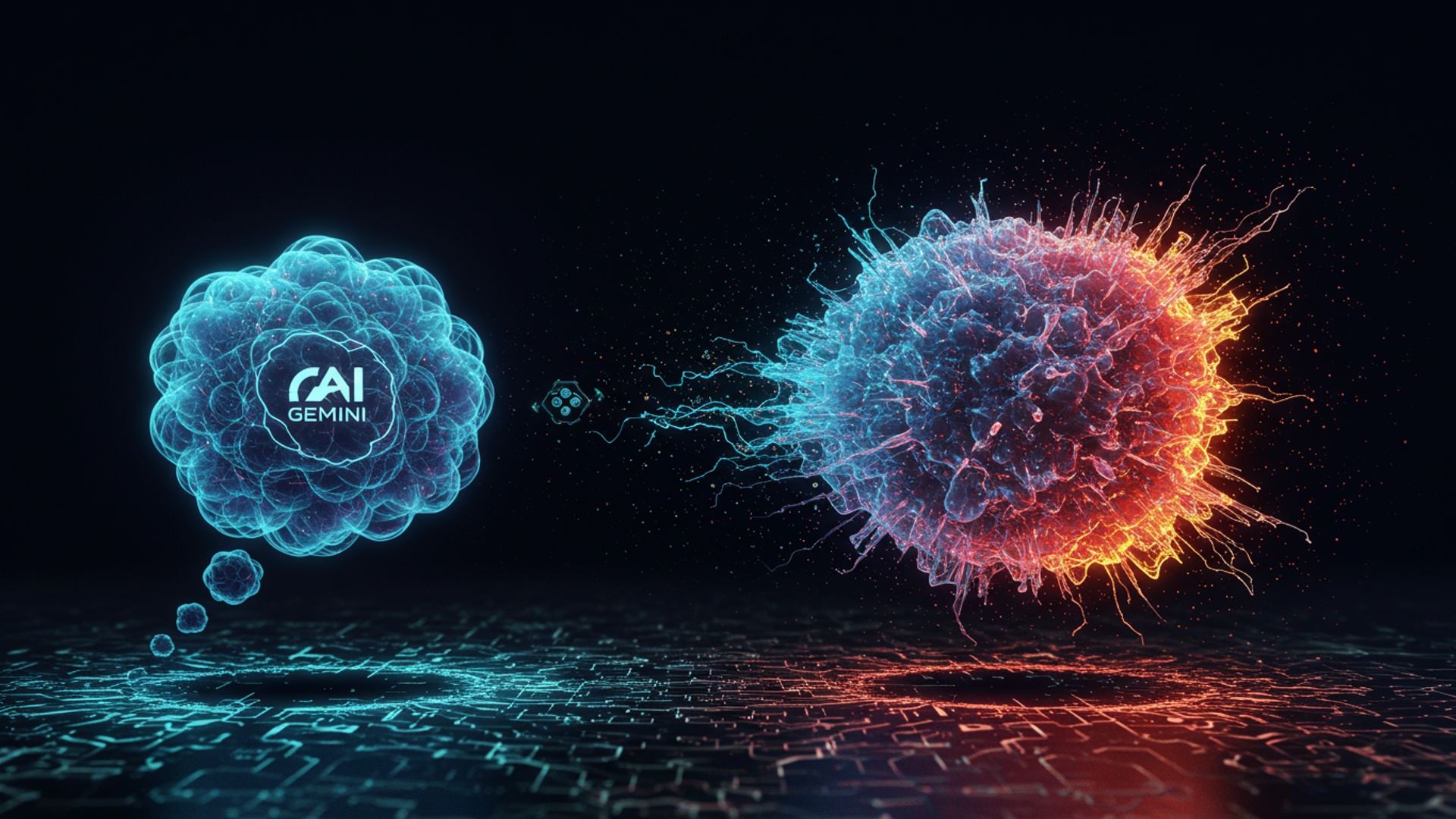
Unleashing the Creative Power of Gemini for Image Generation
In today’s rapidly evolving digital landscape, artificial intelligence is no longer a futuristic concept but a powerful tool at our fingertips. Among its many marvels, the ability to generate stunning visuals from mere text descriptions stands out. This is where Google’s Gemini, a multimodal AI model, truly shines, offering an intuitive gateway into the world of AI-powered gemini image creation. At its core, Gemini harnesses advanced generative AI techniques, allowing you to transform your wildest ideas—from a “cyberpunk cat drinking coffee on Mars” to a “serene watercolor landscape”—into tangible images.
But how does it work? Imagine Gemini as an incredibly skilled artist who understands language. When you provide a text description, known as a ‘prompt,’ Gemini doesn’t just search for existing images; it creates entirely new ones based on the patterns and styles it has learned from vast datasets of images and text. This process involves complex algorithms that map your words to visual concepts within a ‘latent space’ – a high-dimensional mathematical space where similar images are grouped together. It then synthesizes these concepts to render a unique image that matches your description.
- Generative AI
- Prompt
- Latent Space
A branch of artificial intelligence that can create new content, such as images, text, or audio, rather than just analyzing existing data.
The text input or description given to an AI model to guide its generation of content.
A compressed, abstract representation of data where similar data points are located close to each other. In image generation, it’s where the AI “thinks” about visual concepts.
The Art of Prompt Engineering: Crafting Your Visual Masterpiece
The secret to incredible gemini image creation lies not just in the AI’s capabilities. in your ability to communicate your vision clearly and effectively. This is known as ‘prompt engineering,’ and it’s less about coding and more about descriptive storytelling. A well-crafted prompt acts as a blueprint, guiding Gemini to produce exactly what you envision.
Think of your prompt as having several key components:
- Subject
- Style
- Environment/Setting
- Lighting
- Composition/Angle
- Mood/Atmosphere
- Details
What is the main focus of your image? Be specific. Instead of “a dog,” try “a golden retriever puppy.”
What artistic style do you want? “Photorealistic,” “oil painting,” “anime,” “pixel art,” “watercolor,” “concept art,” “cinematic.”
Where is the subject? “In a bustling city street,” “on a desolate alien planet,” “inside a cozy coffee shop.”
How is it lit? “Golden hour light,” “neon glow,” “dramatic chiaroscuro,” “soft ambient light.”
How is the image framed? “Close-up,” “wide shot,” “from a low angle,” “symmetrical.”
What feeling should the image evoke? “Mysterious,” “joyful,” “eerie,” “peaceful.”
Add specific elements that enhance the scene. “Rain-slicked streets,” “steaming coffee cup,” “ancient runes glowing.”
Let’s look at an example. A basic prompt like
"a cat"
might give you a generic cat. But consider this improved prompt:
"A fluffy orange tabby cat with emerald eyes, sitting regally on a velvet armchair in a dimly lit Victorian study, a half-eaten scone beside it, soft golden hour light streaming through a stained-glass window, photorealistic, intricate details, moody atmosphere."
This detailed prompt leaves little to chance, guiding Gemini toward a very specific and rich visual. My own experience using Gemini for concept art has shown me that the more descriptive and evocative I am with my words, the closer the generated image gets to my initial mental picture. It’s like giving a highly imaginative artist all the right references.
Beyond Basic Prompts: Advanced Techniques for Finesse
Once you’ve mastered the basics of crafting descriptive prompts for gemini image creation, you can explore advanced techniques to refine your output and achieve even greater precision.
Negative Prompts: Telling Gemini What NOT to Do
Sometimes, it’s not enough to tell the AI what you want; you also need to specify what you don’t want. This is where negative prompts come in. A negative prompt is a list of keywords that you want Gemini to avoid incorporating into the image. This is incredibly useful for preventing common artifacts, unwanted elements, or improving overall quality.
For instance, if you’re generating images of people, you might use a negative prompt like:
"ugly, deformed, disfigured, extra limbs, poorly drawn hands, blurry, low quality, bad anatomy, mutated, cartoon, text, watermark"
This tells Gemini to actively try to avoid generating images with those undesirable traits, leading to cleaner, more aesthetically pleasing results. I’ve personally found negative prompts essential when trying to achieve a specific level of realism or avoid common AI quirks like distorted faces or too many fingers.
Iterative Prompting: The Art of Refinement
Very rarely will your first prompt yield a perfect image. Gemini image creation is often an iterative process. Start with a broad concept, generate an image, then examine what worked and what didn’t. Then, refine your prompt based on the output. This could involve:
- Adding more details that were missing.
- Removing elements that appeared unexpectedly.
- Adjusting the style or mood.
- Experimenting with synonyms for better results.
It’s a conversation with the AI, where each generated image provides feedback for your next input. Don’t be afraid to tweak a single word or phrase and see how dramatically it changes the outcome.
Controlling Parameters (Where Applicable)
While the user interface for Gemini’s image generation might vary, many advanced AI image tools offer parameters to further control the output beyond just the text. These might include:
- Aspect Ratio
- Seed
- Stylization Strength
Specifying if you want a square, portrait, or landscape image (e. g. , 1:1, 9:16, 16:9).
A numerical value that can help reproduce a specific image or slight variations of it. If you find an image you like, sometimes saving its seed allows you to generate similar images with minor prompt adjustments.
How much the AI should adhere to a particular artistic style vs. the literal description.
Always check the specific Gemini interface you are using for available parameters, as they can greatly enhance your control over the final visual.
Real-World Applications: Bringing Ideas to Life with Gemini
The potential applications of gemini image creation are vast and constantly expanding, touching various industries and personal endeavors. From boosting creativity to streamlining professional workflows, Gemini is proving to be an invaluable tool.
- Content Creation for Bloggers and Social Media
- Design and Prototyping
- Education and Storytelling
- Personal Projects and Creative Exploration
Imagine needing a unique header image for a blog post about sustainable urban farming or a captivating visual for an Instagram reel discussing ancient myths. Instead of sifting through stock photo sites or hiring a designer for every piece, content creators can quickly generate bespoke images that perfectly match their narrative and brand aesthetic. This saves time and ensures originality, leading to higher engagement rates.
Architects can visualize complex building designs, fashion designers can generate mock-ups of clothing lines. product developers can create quick prototypes of user interfaces or industrial designs. Gemini accelerates the ideation phase, allowing for rapid iteration and exploration of concepts before committing to costly traditional design processes. For example, a graphic designer might use it to quickly generate various logo concepts or background textures for a client presentation.
Educators can generate custom illustrations for textbooks, presentations, or learning materials, making complex subjects more accessible and engaging. Authors and storytellers can create character designs, scene backdrops, or mood boards for their narratives, bringing their fictional worlds to life for themselves and potential publishers. Think of a history teacher illustrating a moment from ancient Rome or a children’s author visualizing a magical forest.
For hobbyists, artists. enthusiasts, Gemini opens up new avenues for creative expression. Whether it’s designing custom digital art, creating unique avatars, or simply exploring imaginative concepts, the barrier to entry for digital art creation has never been lower. I’ve seen aspiring game developers use it to generate placeholder assets and concept art for their indie projects, giving their ideas a visual foundation without needing extensive artistic skills.
A friend of mine, an aspiring fantasy writer, struggled with visualizing her characters and settings. She started using Gemini, feeding it descriptions from her drafts. Within weeks, she had a gallery of images: the rugged hero with his scarred face, the ethereal elven city bathed in moonlight. the fearsome dragon guarding its hoard. This not only fueled her writing but also became a powerful tool for pitching her novel to agents, giving them a tangible glimpse into her world.
Ethical Considerations and Responsible AI in Image Generation
While the capabilities of gemini image creation are exciting, it’s crucial to approach this technology with an understanding of its ethical implications. Google, like other leading AI developers, emphasizes responsible AI development. users also play a vital role in ensuring ethical usage.
- Bias in AI-Generated Images
- Copyright and Ownership
- Deepfakes and Misinformation
AI models learn from vast datasets, which inherently reflect the biases present in the real world and historical data. This can lead to AI generating images that perpetuate stereotypes (e. g. , certain professions always depicted by one gender, or a lack of diversity). It’s crucial to be aware of this and actively craft prompts that promote diversity and inclusivity, challenging the AI’s default tendencies.
The legal landscape around AI-generated content is still evolving. Who owns the copyright to an image generated by an AI? Does it belong to the user, the AI developer, or is it uncopyrightable? While many platforms grant users commercial rights to their creations, it’s essential to check the terms of service for any AI tool you use, especially if you plan to use the images professionally. Currently, in the US, direct AI creations without significant human creative input are often not eligible for copyright.
The ability to generate highly realistic images also carries the risk of creating ‘deepfakes’—synthetic media that can be used to spread misinformation or impersonate individuals. Responsible AI use demands that users do not generate content that is deceptive, harmful, or intended to mislead. Google has implemented safeguards to prevent the generation of harmful or inappropriate content. users must adhere to these ethical guidelines. Always consider the potential impact of your generated images.
Google’s commitment to AI principles, including fairness, safety. accountability, guides the development of Gemini. As users, we must align with these principles, ensuring that our creative endeavors with gemini image creation contribute positively to the digital world.
Troubleshooting Common Gemini Image Generation Issues
Even with the most advanced AI, you might encounter moments where your generated images don’t quite match your expectations. Don’t worry, these are common hurdles. understanding how to troubleshoot them will significantly improve your gemini image creation workflow.
- “My images don’t look like my prompt!”
- Be More Specific
- Break Down Complex Ideas
- Check for Conflicting Terms
- Iterate and Refine
- Generating Repetitive or Generic Images
- Introduce Variety
- Use Negative Prompts
- Experiment with Different Phrasing
- Dealing with AI Hallucinations or Nonsensical Outputs
- Hallucinations
- Solution
- Check Platform Guidelines
Often, the issue is a prompt that’s too vague. Gemini might fill in the blanks with its own assumptions. Add more descriptive adjectives, specify colors, textures, lighting. angles.
If your prompt is very long and tries to convey multiple complex ideas, simplify it. Focus on one or two core elements, generate, then add more detail in subsequent prompts.
Ensure your prompt doesn’t contain contradictory instructions (e. g. , “dark and vibrant”).
This is the most crucial step. Generate a few options, identify what’s close. then adjust your prompt based on those results. It’s a continuous feedback loop.
If you’re always getting similar outputs, try adding new keywords related to style, era, or artistic medium. Instead of just “fantasy character,” try “baroque-era fantasy knight” or “cyberpunk mage.”
Sometimes, the AI defaults to common tropes. Use negative prompts to explicitly tell it to avoid elements that make your images feel generic.
AI models can be sensitive to phrasing. Try rephrasing parts of your prompt to see if it unlocks new interpretations.
These are instances where the AI generates elements that are nonsensical or don’t make sense in context (e. g. , a person with three arms, or gibberish text). This often happens when the prompt is too abstract or asks for something the AI hasn’t been adequately trained on.
Try simplifying the prompt. If it’s a specific object, try generating it in isolation first, then integrate it into a larger scene. Use negative prompts to counter common distortions.
Ensure your prompt isn’t violating any content policies, which can sometimes lead to odd or blank outputs.
Patience and experimentation are your best allies. Think of Gemini as a creative partner that needs clear direction. also appreciates a bit of playful exploration.
Gemini Image Generation: A Comparative Glance at the Landscape
While Gemini offers a robust and integrated experience, especially within the Google ecosystem, it’s part of a broader, exciting landscape of AI image generation tools. Understanding how Gemini fits into this picture can help you appreciate its unique strengths.
| Feature/Tool | Google Gemini Image Generation | DALL-E (OpenAI) | Midjourney | Stable Diffusion |
|---|---|---|---|---|
| Developer | OpenAI | Midjourney, Inc. | Stability AI (Open Source) | |
| Accessibility | Often integrated into Google products (e. g. , Google Bard/Gemini Advanced), potentially via API. | Accessible via API, ChatGPT Plus, or dedicated web interface. | Primarily via Discord bot interface. | Open-source, can be run locally or via various web interfaces (e. g. , DreamStudio, Hugging Face). |
| Strengths (Gemini) | Multimodal capabilities (understanding context from various inputs), deep integration with Google’s ecosystem, emphasis on responsible AI, generally good for diverse prompts. | Strong understanding of conceptual prompts, impressive photorealism and artistic versatility, good for creative and abstract ideas. | Renowned for highly aesthetic and artistic outputs, particularly strong in imaginative and stylized imagery, often preferred by artists. | Highly customizable due to open-source nature, large community support, strong for fine-tuning and specific control, good for both realism and stylization. |
| Typical Use Case | General content creation, quick visualizations, integrated AI assistance, educational material, diverse scenarios. | Creative concept art, abstract ideas, photorealistic images, rapid prototyping. | High-quality artistic imagery, concept art, unique visual styles, professional design. | Custom AI models, research, developers, artists needing granular control, local generation for privacy/cost. |
| Learning Curve | Moderate (depends on specific platform integration), user-friendly for basic gemini image creation. | Moderate, intuitive web interface. | Moderate to High (Discord bot can be less intuitive for new users). | High (especially for local setup and advanced features). many user-friendly interfaces exist. |
While each tool has its unique flavor and strengths, Gemini’s power lies in its multimodal foundation, meaning it doesn’t just process text. can also interpret and generate across different types of data like images, audio. video (though image generation is our focus here). This allows for a more holistic understanding of your prompts and a potentially richer, context-aware output. For anyone looking for an accessible yet powerful entry into gemini image creation, especially within the familiar Google environment, Gemini is an excellent starting point.
Conclusion
Mastering Gemini image generation isn’t just about typing prompts; it’s about translating your unique vision into pixel-perfect reality. I’ve personally discovered that the true secret lies in iterative refinement, treating each prompt as a crucial conversation with the AI, much like a director communicating with a cinematographer. Don’t just settle for the first output; actively experiment with modifiers like “cinematic lighting,” “dynamic angles,” or “hyperrealistic textures” to truly elevate your visuals, mirroring the sophisticated control seen in recent professional AI art advancements. This dynamic approach allows you to harness Gemini’s rapidly evolving capabilities, producing diverse outputs from abstract concepts to detailed product mock-ups, reflecting current trends in impactful visual content creation. My actionable advice? Embrace the process of discovery. Push beyond basic descriptions and meticulously imagine every nuance. The more specific and imaginative you are, the more Gemini will surprise you with its precision. Remember, the digital canvas is limitless. your imagination is the only true boundary. Keep creating, keep exploring. watch your initial ideas transform into incredible, unforgettable visuals.
More Articles
Master Gemini Image Prompts For Creative Visuals
Transform Your Ideas into Art How AI Image Generators Work
Unleash Cinematic Power With Google Veo 3
Unlock Amazing Content Performance with AI Optimization Secrets
Skyrocket Your Marketing Efforts with ChatGPT Proven Tactics 
FAQs
What exactly is ‘Master Gemini Image Generation’ all about?
This course is your complete guide to creating amazing visuals using Google’s Gemini AI. We’ll take you from just having an idea in your head to generating professional-quality images that truly stand out, covering everything from prompt engineering to advanced techniques.
Who should take this course? Is it for beginners or more experienced folks?
It’s designed for anyone interested in AI image generation! Whether you’re a complete beginner curious about Gemini or an experienced creator looking to refine your prompt writing and unlock more advanced features, you’ll find plenty of valuable insights here.
What cool things will I be able to do after finishing this?
You’ll be a Gemini image generation pro! You’ll master crafting effective prompts, interpret how to iterate and refine your creations, explore different styles. consistently produce stunning images for personal projects, social media, or even professional work.
Do I need any special software or prior AI experience to get started?
Nope, not at all! All you need is access to Google Gemini (which is generally free to use for basic generation) and an internet connection. We’ll walk you through everything else step-by-step, assuming no prior AI knowledge.
Can I really create ‘incredible visuals’ just from an idea?
Absolutely! The core of this course is teaching you the process of translating abstract thoughts into concrete visual descriptions that Gemini can grasp and generate. We’ll show you how to structure your ideas into prompts that lead to truly incredible and unique images.
Why focus specifically on Gemini for image generation?
Gemini offers powerful and accessible image generation capabilities, often integrated directly into other Google services. This course zeroes in on Gemini to help you leverage its unique strengths and features, ensuring you become an expert with this specific, cutting-edge tool.
How long will it take me to go from ‘idea to incredible visuals’?
While the course itself is structured to be comprehensive, the journey from an initial idea to a truly incredible visual depends on your practice and iteration. We provide the techniques and frameworks to make that process as efficient and effective as possible, so you can achieve amazing results quickly!